






Display Mounts Buying Guide
Display mounts are more versatile than you might think: From wall mounts to trolleys and display stands, they determine how ergonomically your display is positioned, how neatly cables disappear and how securely everything is attached. Wall mounts, trolleys, pylon systems, fixed, adjustable, electric, manual — anyone dealing with this for the first time can quickly lose track.
This guide leads you step by step to the right decision. You will learn which type of mount suits your area of use, how to read the VESA standard of your display, what to look out for regarding load capacity and wall material, and which mistakes are most commonly made when buying.
Content
Types of mounts at a glance
Display mounts are not all the same. Depending on where and how a screen is used, there are clear differences in function, flexibility and installation. The three basic categories are wall mounts, trolleys/stands and pylon systems.
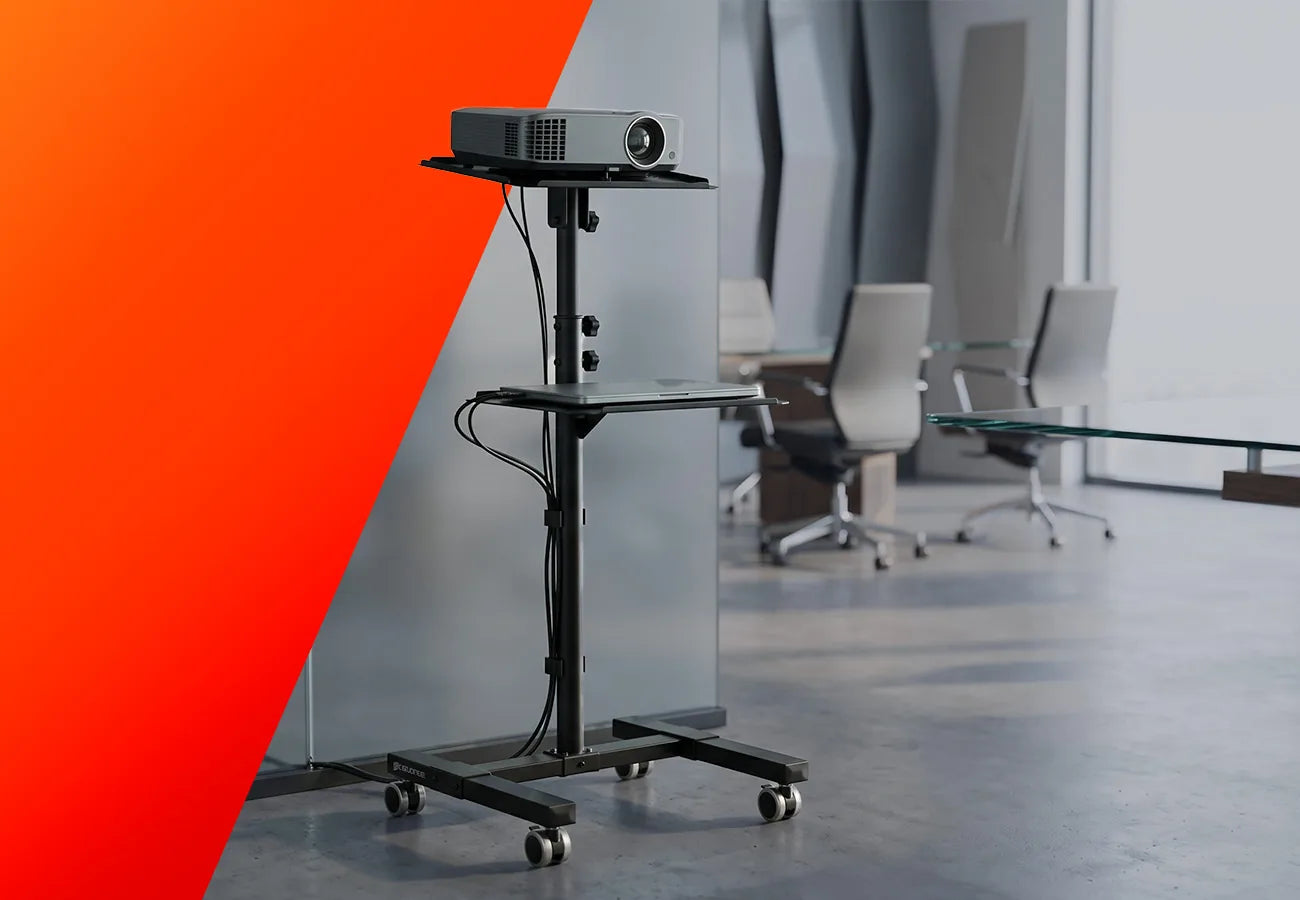
Trolley
Advantages
- Fully mobile, usable across rooms
- Height-adjustable — manually or electrically
- Often with integrated cable management
Disadvantages
- Electric models require a power source
- More space required due to wheeled base
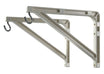
Wall mount
Advantages
- Space-saving, no stand required
- Clean, tidy appearance
- Very stable, secure attachment
Disadvantages
- Drilling required
- Position barely changeable after installation
Fixed stand
Advantages
- Very stable and sturdy
- No drilling required
- Less space required than trolley
Disadvantages
- Not mobile — no room changes
- Only limitedly adjustable
Pylon system
Advantages
- Partially freestanding, no wall required
- Very high load capacity (up to 250 kg)
- Reconfigurable depending on room situation
Disadvantages
- Greater space requirement due to columns
- Higher purchase price
Trolley
Advantages
- Fully mobile, usable across rooms
- Height-adjustable — manually or electrically
- Often with integrated cable management
Disadvantages
- Electric models require a power source
- More space required due to wheeled base
Wall mount
Advantages
- Space-saving, no stand required
- Clean, tidy appearance
- Very stable, secure attachment
Disadvantages
- Drilling required
- Position barely changeable after installation
Fixed stand
Advantages
- Very stable and sturdy
- No drilling required
- Less space required than trolley
Disadvantages
- Not mobile — no room changes
- Only limitedly adjustable
Pylon system
Advantages
- Partially freestanding, no wall required
- Very high load capacity (up to 250 kg)
- Reconfigurable depending on room situation
Disadvantages
- Greater space requirement due to columns
- Higher purchase price
Areas of application

Trolley/stand
Typical use: Schools, meeting rooms, changing room configurations

Wall mount
Typical use: Living rooms, conference rooms, reception areas

Pylon system
Typical use: Schools, educational institutions, trade fairs, public spaces
The VESA standard — what's behind it?
VESA stands for Video Electronics Standards Association, an international industry association that has established, among other things, the standard for attaching displays, monitors and televisions to mounts. Specifically, the VESA standard defines the distance between the four mounting holes on the back of a display — stated in millimetres as width × height, for example 200×200 or 400×400 mm.
Thanks to this uniform standard, VESA-compatible mounts and displays can be combined regardless of manufacturer. This means: as long as the mount and display support the same VESA dimensions, they are compatible — regardless of which brand is involved.
75 x 75
100 x 100
200 x 200
400 x 400
600 x 400
800 x 600
Up to 27" (approx. 69 cm)
27" to 42" (approx. 69 - 100 cm)
43" to 55" (approx. 109 - 140 cm)
55" - 86" (approx. 140 - 218 cm)
70" - 100" (approx. 178 - 254 cm)
From 90" (approx. 228 cm)
Up to 6 kg
6 - 15 kg
12 - 20 kg
30 - 65 kg
40 - 80 kg
From 80 kg
PC monitor, smaller office screens
Monitor, small TV, office display
Medium-sized TV, conference display
Large TV, conference & school display
Very large conference and school display
Professional large-format display, digital signage
Tragkraft richtig einschätzen
Every mount has a maximum load capacity in kilograms. This specification refers to the weight of the display without accessories. An important rule of thumb: always plan for at least 20% buffer — if your display weighs 25 kg, choose a mount with a load capacity of at least 30 kg. This protects against material fatigue and ensures long-term safety. Also bear in mind that with trolleys and pylon systems, additional accessories such as a mini PC or camera are occasionally attached to the stand — this weight also counts towards the total load and should be taken into account when choosing the load capacity. As a general rule: a mount that is permanently operated at its load limit wears out faster and can, in the worst case, compromise the safety of the display.
Tip: The exact weight of your display can be found on the type plate on the back or in the technical data on the manufacturer's website — pay attention to whether the weight is stated with or without stand.
Display size → Weight
32 " → approx. 5 - 8 kg
43 " → approx. 10 - 15 kg
55" → approx. 25 - 35 kg
65" → approx. 40 - 50 kg
86" → approx. 65 - 75 kg
Load capacity + 20% buffer
Display 8 kg → min. 10 kg
Display 15 kg → min. 18 kg
Display 22 kg → min. 26 kg
Display 30 kg → min. 36 kg
Display 50 kg → min. 60 kg
Every mount has a maximum load capacity in kilograms. This specification refers to the weight of the display without accessories. An important rule of thumb: always plan for at least 20% buffer — if your display weighs 25 kg, choose a mount with a load capacity of at least 30 kg. This protects against material fatigue and ensures long-term safety. Also bear in mind that with trolleys and pylon systems, additional accessories such as a mini PC or camera are occasionally attached to the stand — this weight also counts towards the total load and should be taken into account when choosing the load capacity. As a general rule: a mount that is permanently operated at its load limit wears out faster and can, in the worst case, compromise the safety of the display.
Tip: The exact weight of your display can be found on the type plate on the back or in the technical data on the manufacturer's website — pay attention to whether the weight is stated with or without stand.
Display size → Weight
32 " → approx. 5 - 8 kg
43 " → approx. 10 - 15 kg
55" → approx. 25 - 35 kg
65" → approx. 40 - 50 kg
86" → approx. 65 - 75 kg
Load capacity + 20% buffer
Display 8 kg → min. 10 kg
Display 15 kg → min. 18 kg
Display 22 kg → min. 26 kg
Display 30 kg → min. 36 kg
Display 50 kg → min. 60 kg
Ergonomics & optimal positioning
An incorrectly positioned mount causes neck pain, eye strain and glare over time — even if the mount is technically flawless. These guidelines help you with the optimal settings, regardless of which type of mount you choose.

Eye level
The top edge of the display should be approximately at eye level — never above it. This applies regardless of display size: anyone who has to look up at a large 75" or 86" display permanently strains the neck muscles. When wall mounting, therefore carefully measure the mounting height before drilling.
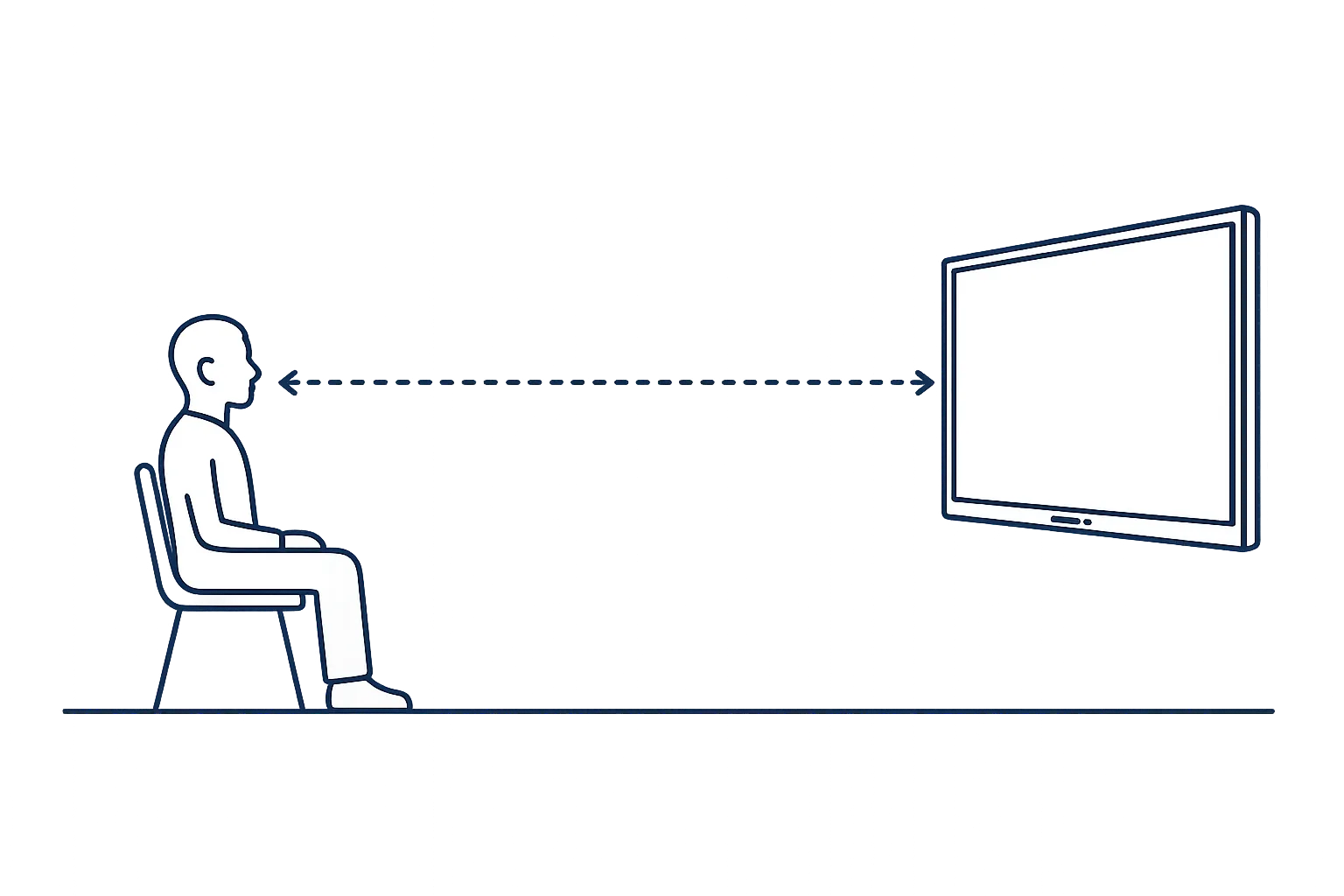
Recommended viewing distance
The ideal viewing distance depends heavily on the display size. As a rule of thumb for 4K resolution, 1.5 times the screen diagonal applies — for a 65" display (approx. 165 cm diagonal) that is approximately 2.5 metres, for an 86" display (approx. 218 cm) correspondingly around 3.3 metres.
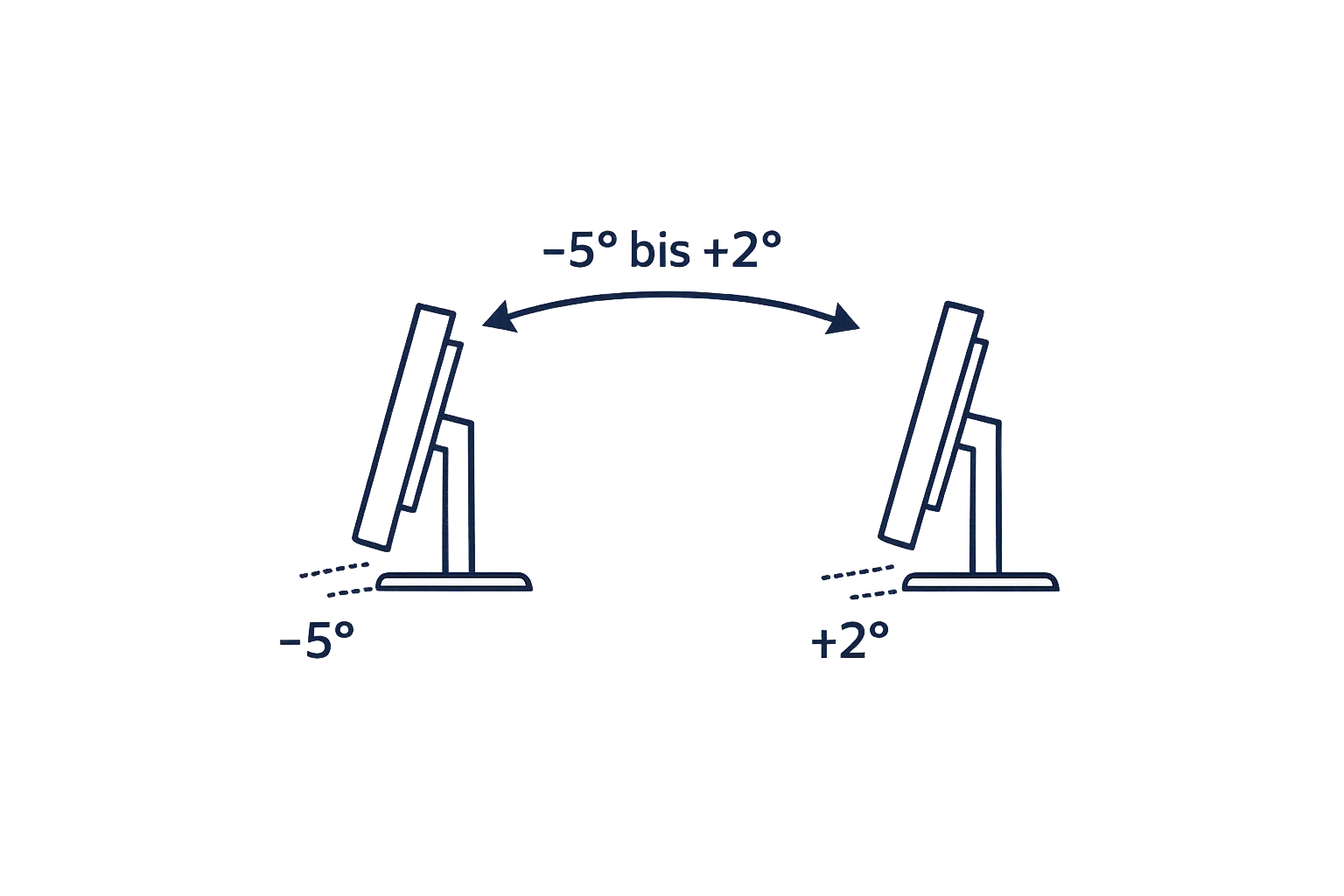
Optimal tilt angle
A slightly backward-tilted display noticeably reduces reflections and neck strain — this applies to small monitors just as much as to large conference and school displays. Swivelling adjustable mounts and height-adjustable trolleys allow easy readjustment without tools.
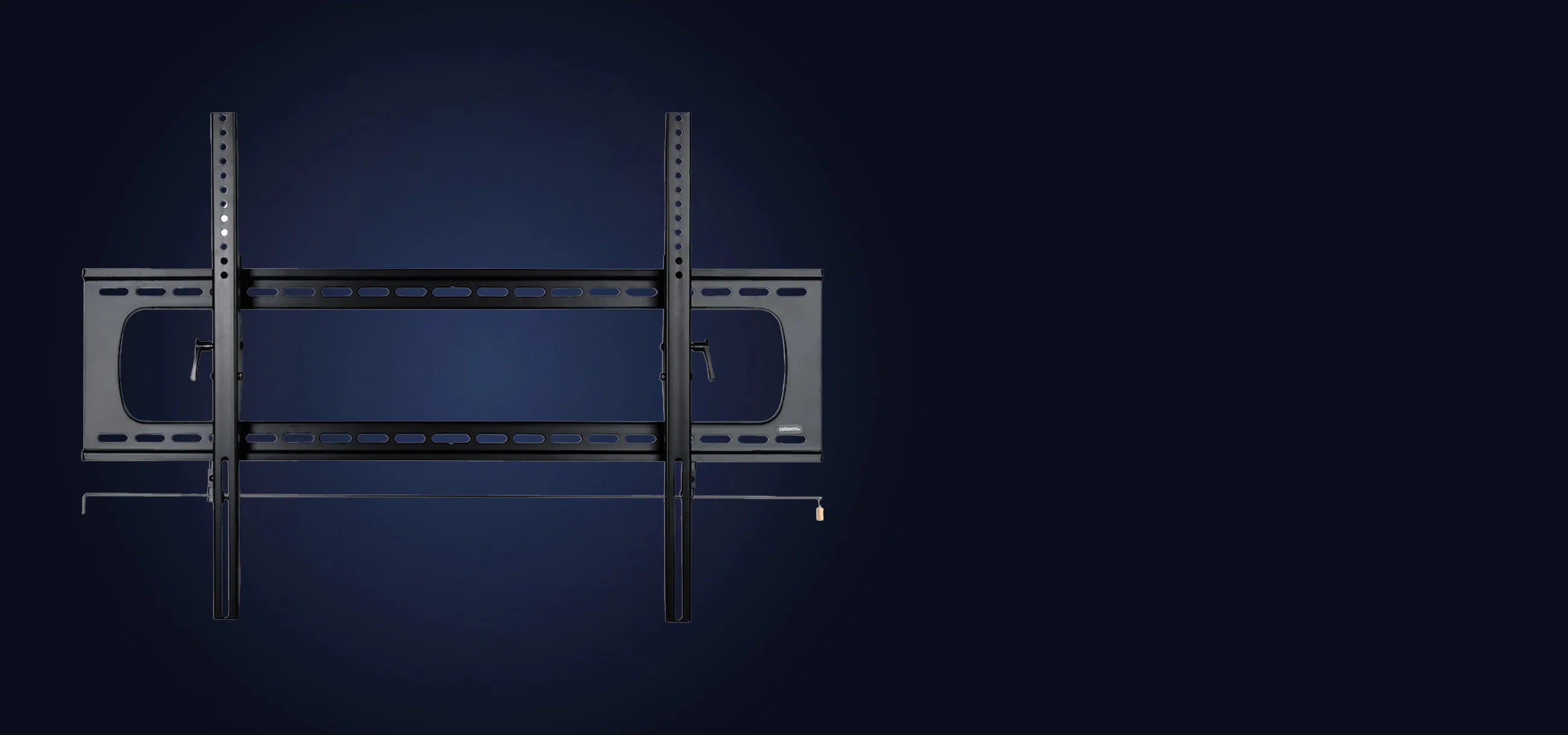
Fixed wall mount
The fixed wall mount is the straightforward and cost-effective solution for anyone who wants to mount their display permanently in a fixed position. Thanks to its low installation depth, the display sits close to the wall and creates a clean, tidy appearance — ideal for living rooms or bedrooms where the TV has its permanent place.

Tilt wall mount
The tilt wall mount offers a decisive advantage over the fixed variant: the display can be tilted up or down, enabling optimal viewing angle adjustment. This makes it particularly practical for elevated mounting positions — such as above a fireplace or sideboard — as well as for bedrooms where you want to watch TV comfortably while lying down.
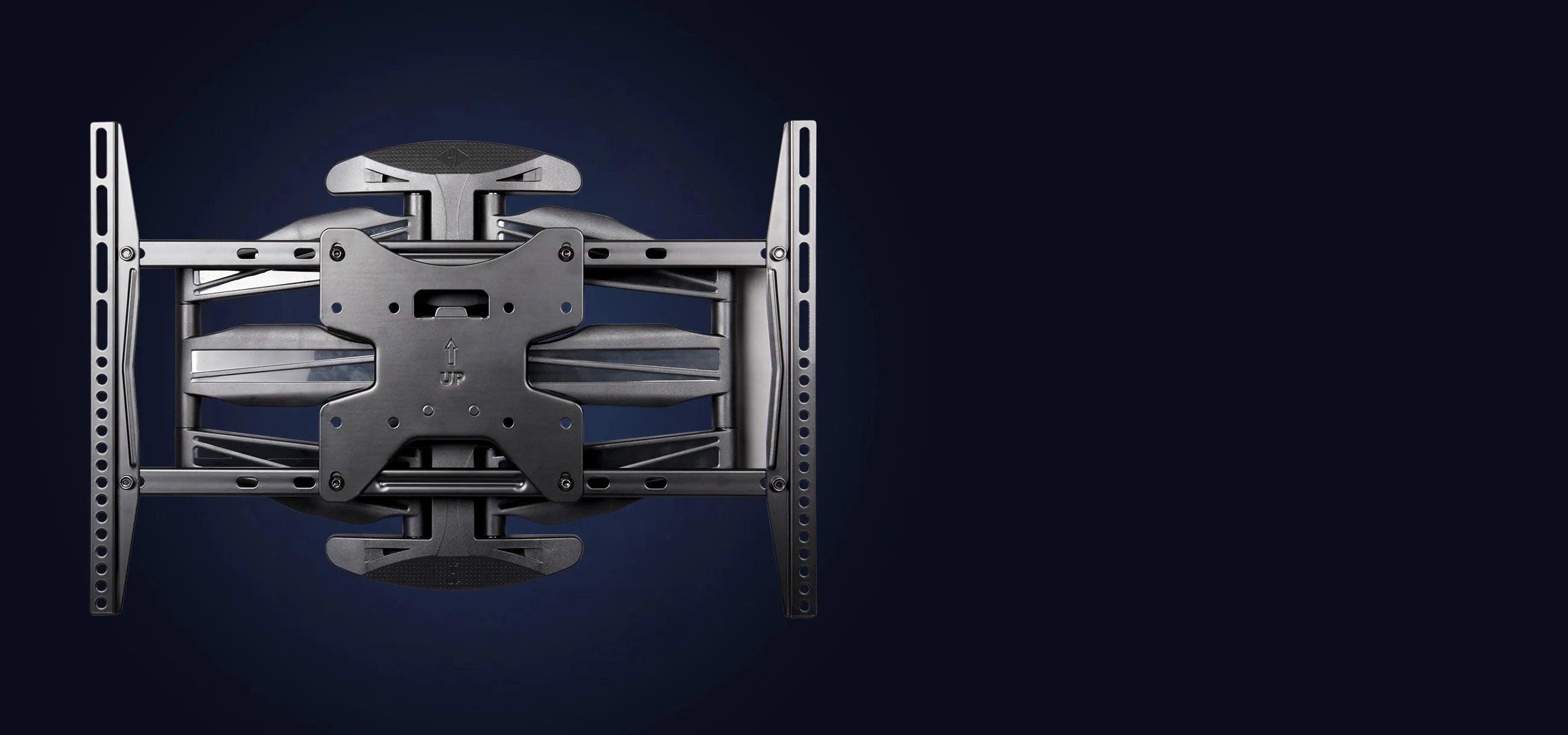
Swivel wall mount
The swivel or fully articulated wall mount offers maximum flexibility: the display can be moved, rotated and aligned in all directions — entirely as needed. This makes it particularly suitable for conference rooms where different people view the screen from different positions, but also for large living rooms with multiple seating areas.
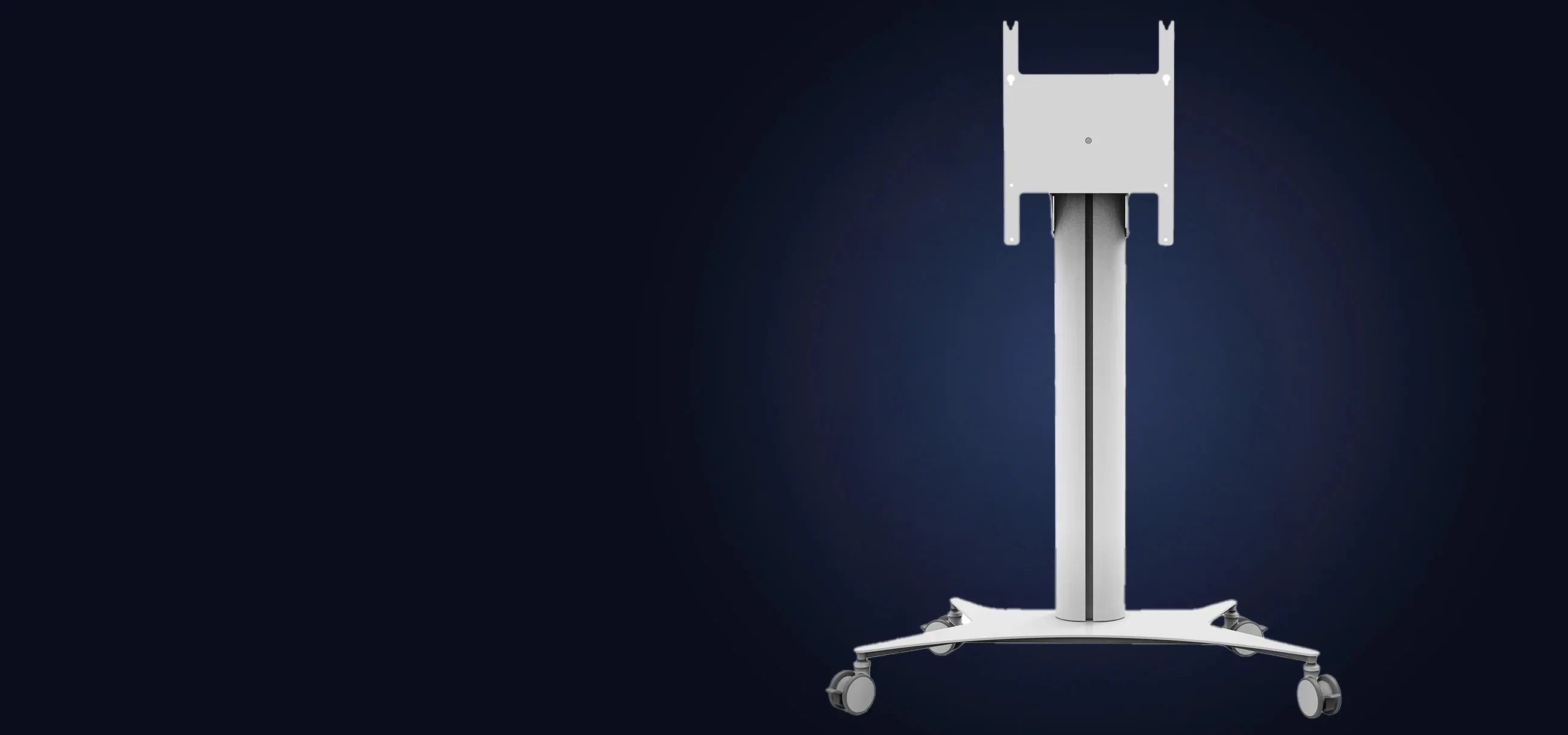
Display stand/trolley
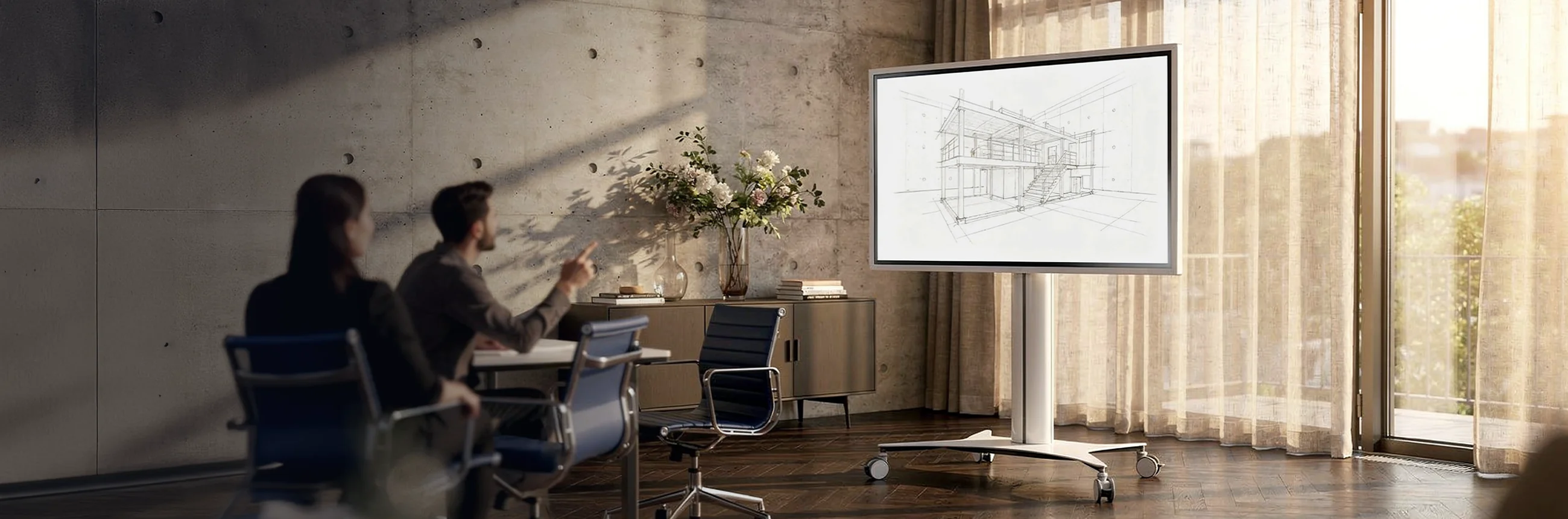
Display stands and trolleys are the mobile alternative to wall mounting. Thanks to castors and stepless height adjustment, they can be quickly moved from room to room and used flexibly. Whether in the classroom, meeting room or office — wherever the display is not meant to be permanently installed, trolleys are the practical choice.

Pylon system
The pylon system is the professional solution for representative and demanding environments. As a floor-to-ceiling stand system, it offers an imposing presence and is excellently suited for museums, retail spaces and educational institutions where displays need to be positioned permanently and securely — without having to drill into the wall.
Frequently asked questions
Wall mount or trolley — which is better?
The choice between a wall mount and a trolley depends primarily on whether the display should remain permanently in one fixed location or be used flexibly. A wall mount is the ideal solution for anyone who wants to save space and whose display has a fixed location — such as in the living room, bedroom or a permanently set up meeting room.
A trolley, on the other hand, scores with maximum flexibility: it can be moved from room to room at any time, adjusted in height and set up without wall mounting. This makes it particularly attractive for schools, offices and environments where the display is regularly needed in different places. In short: wall mount for fixed installation, trolley for maximum mobility.
Can I mount a wall mount on any wall?
Not generally. The wall material plays a decisive role in the safety and stability of the installation. Solid walls made of concrete or masonry are the ideal base and allow straightforward attachment with standard wall plugs. Things become more difficult with plasterboard or timber stud walls: here, special cavity wall plugs or existing wall studs must be used to ensure sufficient hold. Before installation, it is therefore always advisable to check the wall material and compare the maximum permissible load capacity with the weight of the display. In case of doubt, a professional should be consulted.
What do swivel/tilt mean for wall mounts?
These terms describe in which directions a display can be moved after installation. Tilt means that the display can be tilted up or down — useful when the TV is mounted high up and the viewing angle needs to be directed slightly downward. Swivel means that the display can be rotated sideways to the left or right, which is particularly practical in rooms with multiple seating positions. Many mounts combine both functions and are referred to as fully articulated — they allow tilting, swivelling and additionally folding the arm in and out, so that the display can be flexibly brought into almost any position.
How do I determine my VESA dimensions myself?
The VESA dimensions can be easily determined with a tape measure. Look at the back of the display and measure the horizontal distance between the two left and right mounting holes, as well as the vertical distance between the upper and lower holes — each from centre to centre. The result is given as width × height in millimetres, for example 400×400 mm. Alternatively, the VESA dimensions can usually also be found in the display's manual or in the technical data on the manufacturer's website.
What are spacers/distance bolts and when do I need them?
Spacers, also known as distance bolts, are small extension bolts that are inserted between the back of the display and the wall mount. They ensure that the display can be attached to the mount at the correct depth and with the correct spacing.
They become necessary in two typical situations: firstly when the mounting screws of the mount are too short to securely reach the holes on the display — for example because the display casing on the back has a protrusion or frame that offsets the attachment points inward. Secondly when the display does have VESA holes, but these are located deeper in the casing than usual, so that a standard screw cannot find sufficient hold.
Spacers are particularly often needed with thinner, frameless displays where the back is not flat, or with certain manufacturers who install unusually deep attachment points. In such cases, spacers ensure that the display is attached securely and without damage to the mount — without unnecessary pressure being exerted on the casing.
In case of doubt, it is advisable to measure the screw depth of the VESA holes on your own display before installation and compare it with the screws supplied with the mount.

Do you have further questions?
If you have questions about us or our products, our experts will be happy to help.
Contact us!