




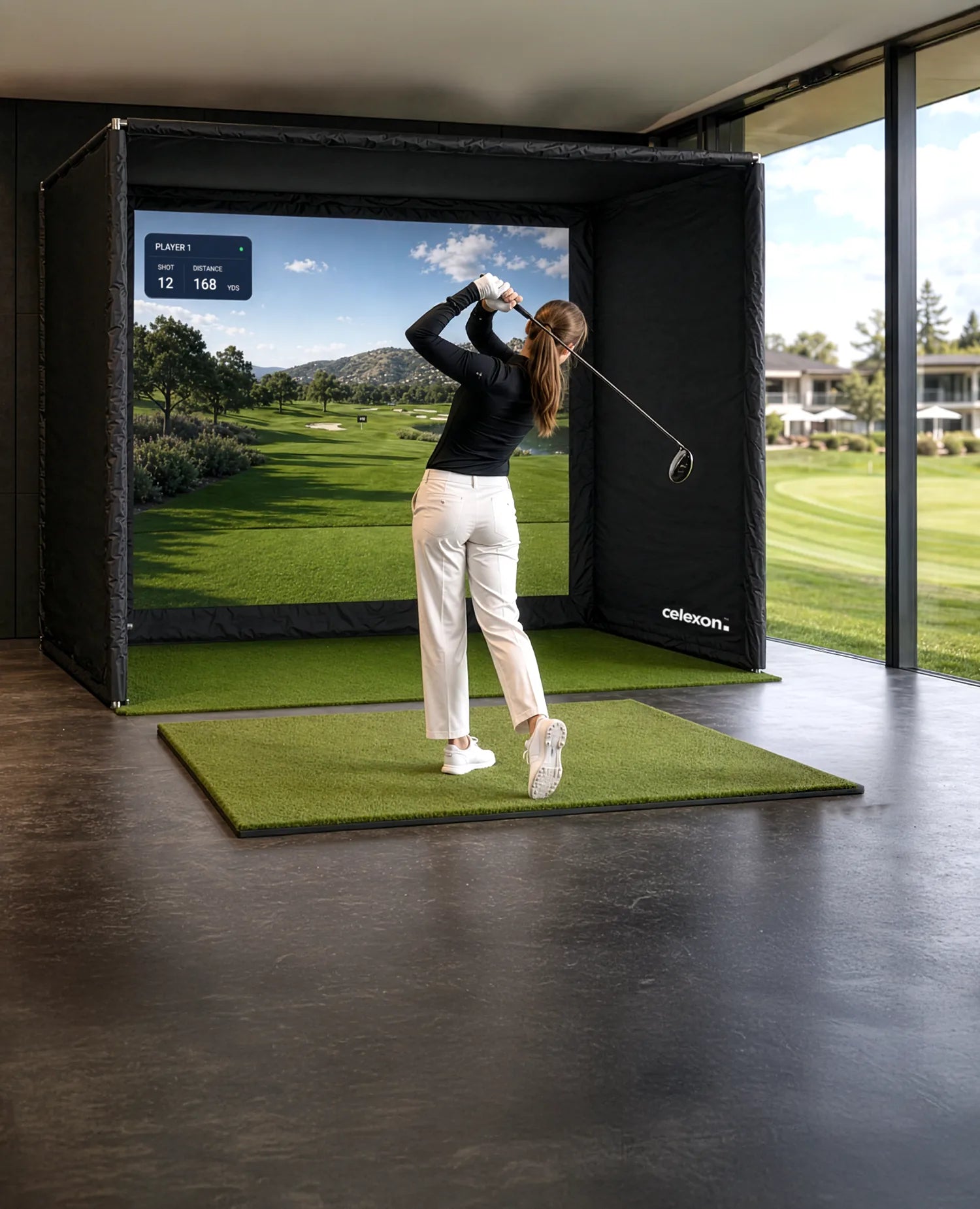
celexon Golf Simulator
FAIRWAY Professional
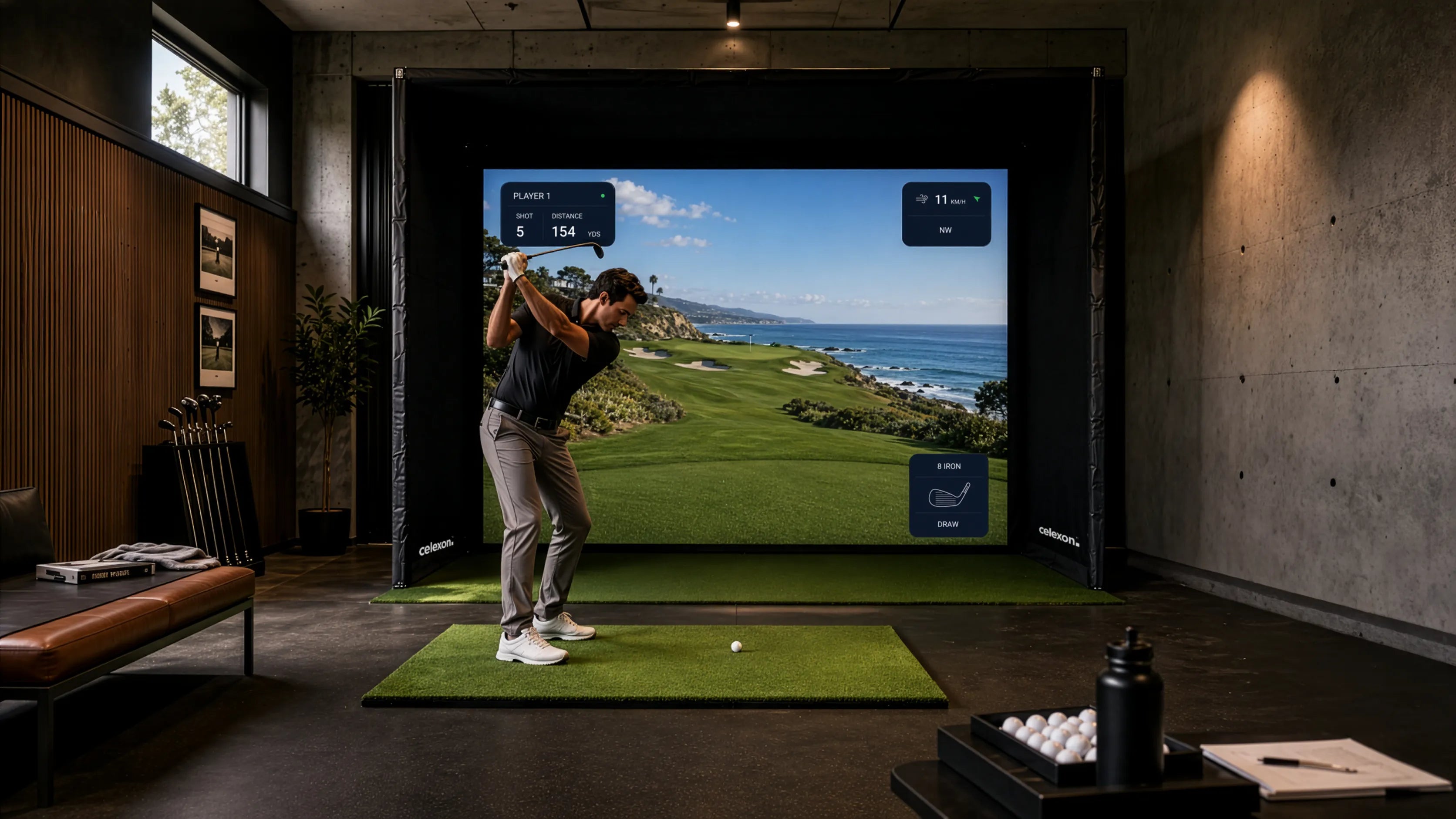
A golf simulator opens up entirely new possibilities: improve your technique with targeted practice, play virtual rounds on world-famous golf courses, or enjoy a game with friends – completely independent of weather, time of day, or season.
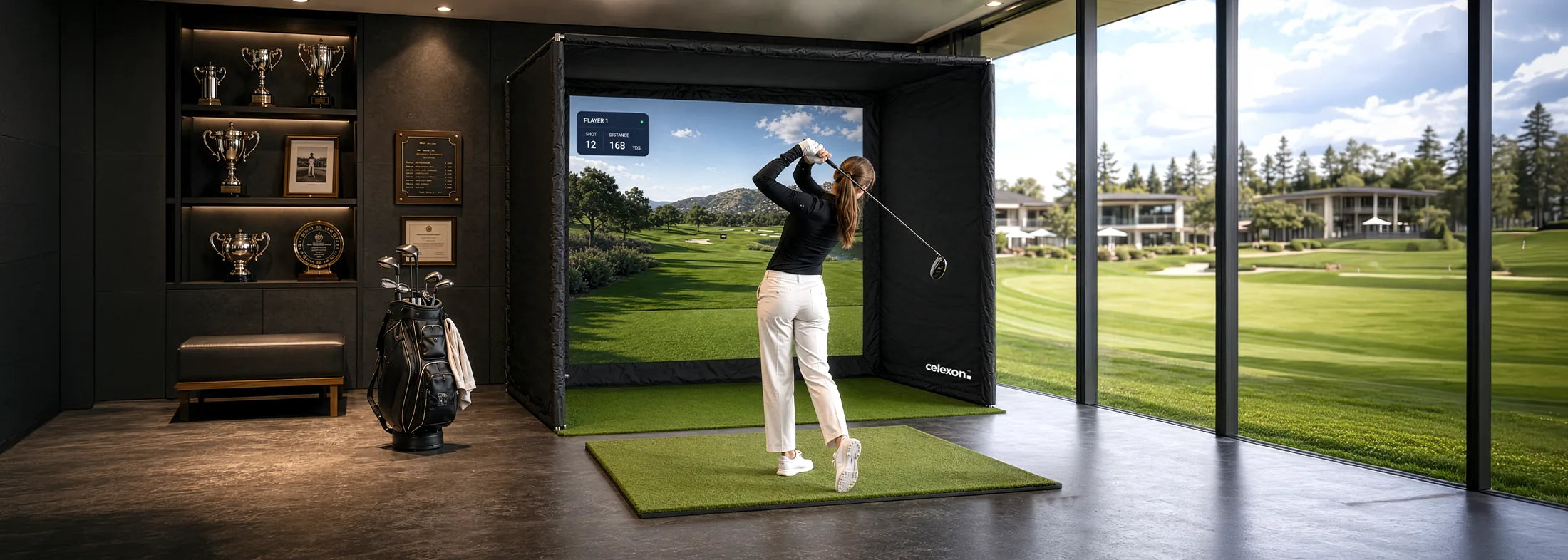
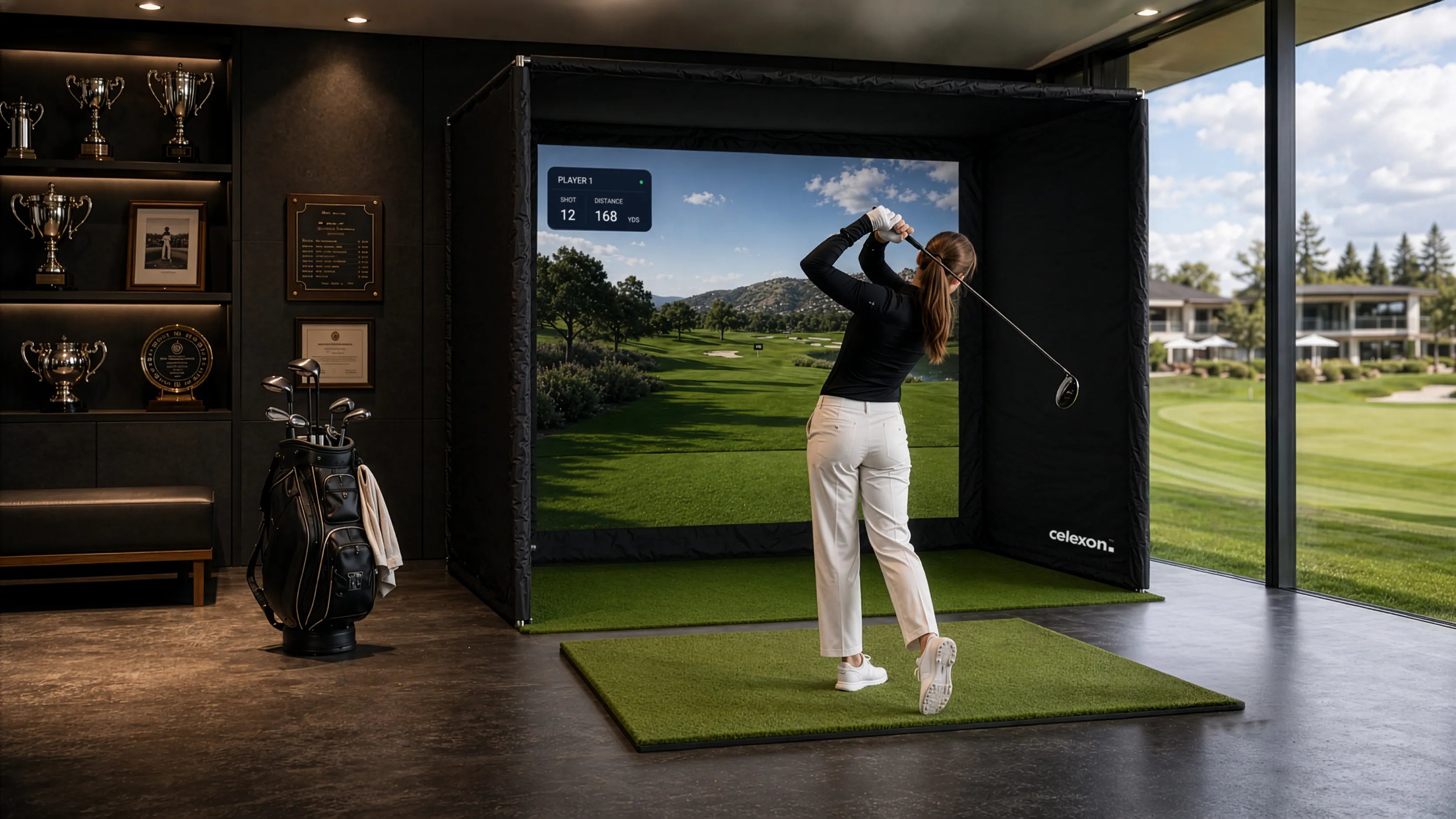
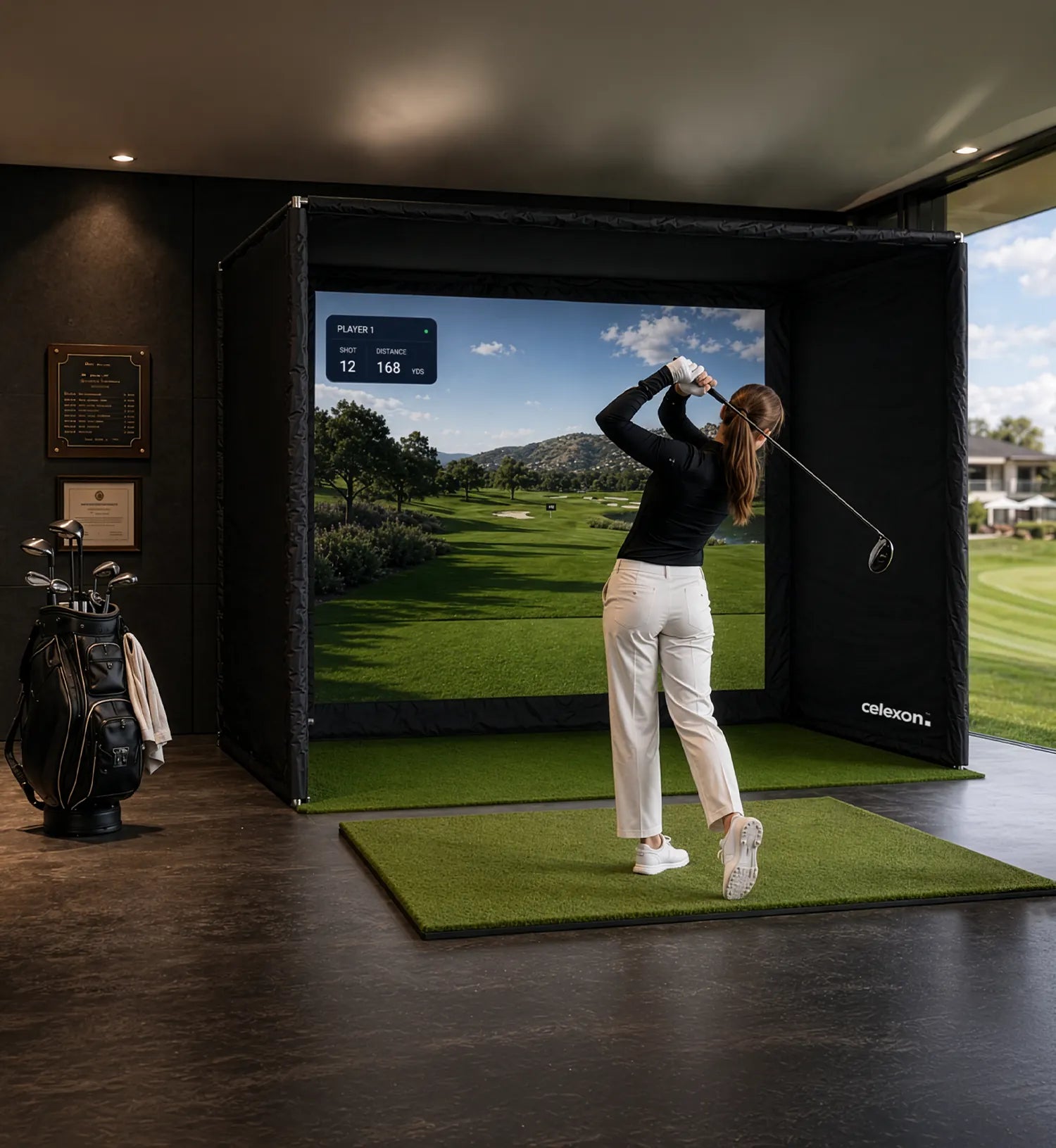
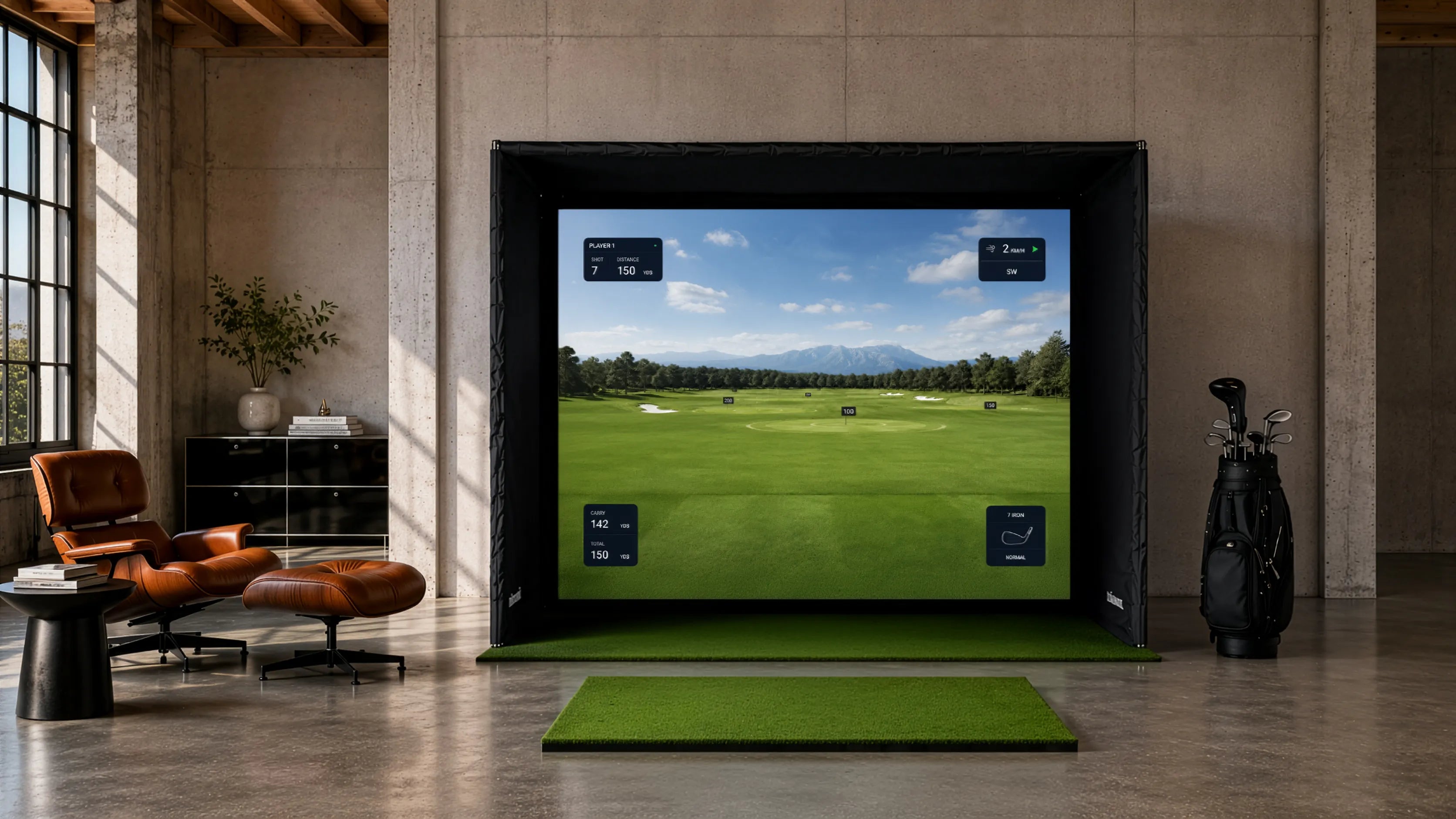
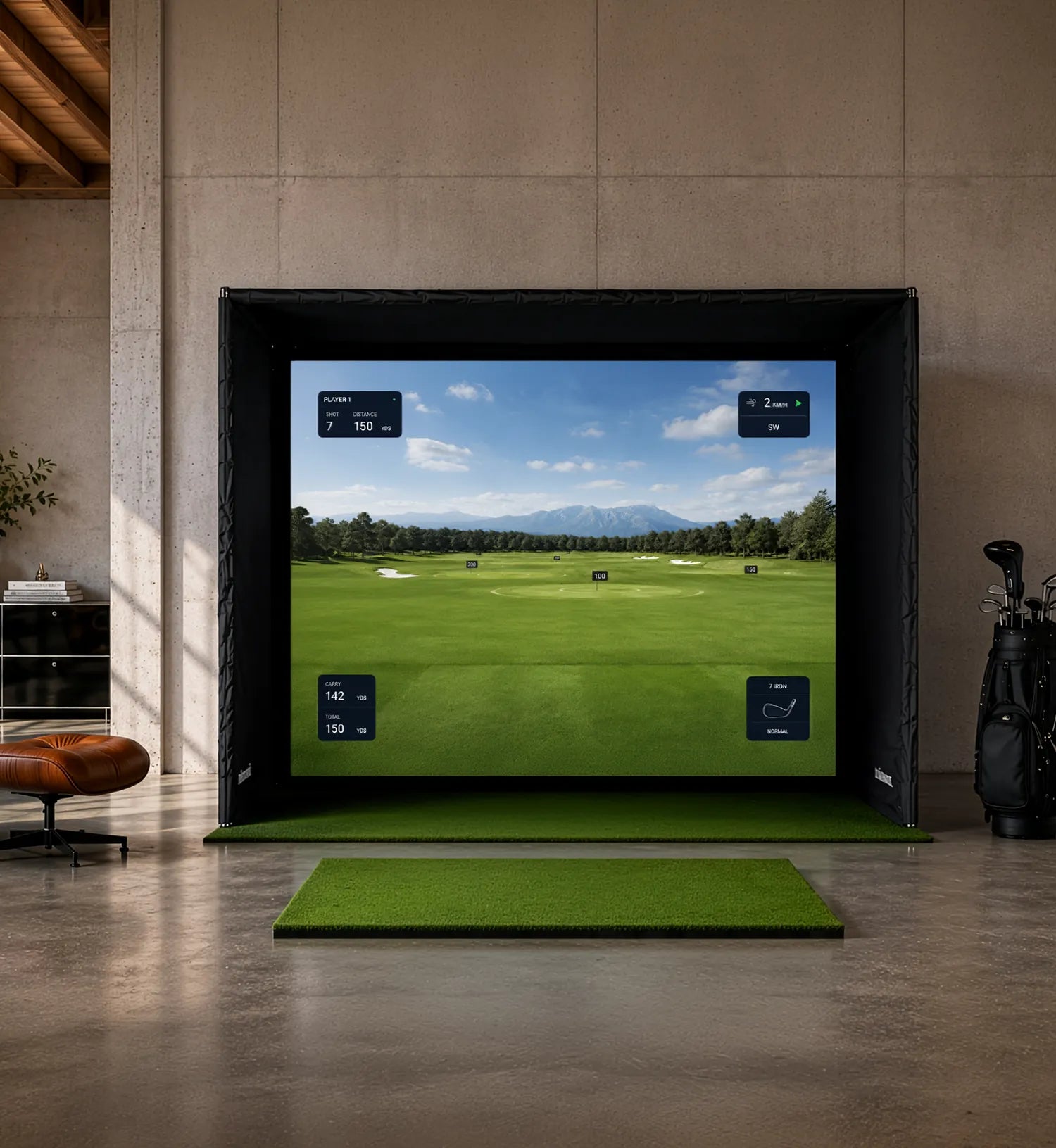
To ensure this experience works perfectly, a well-designed and high-quality simulator environment is essential. This is exactly where our celexon FAIRWAY Professional Golf Simulator comes in. It is a high-quality simulator enclosure that forms the ideal foundation for your individual indoor golf setup.
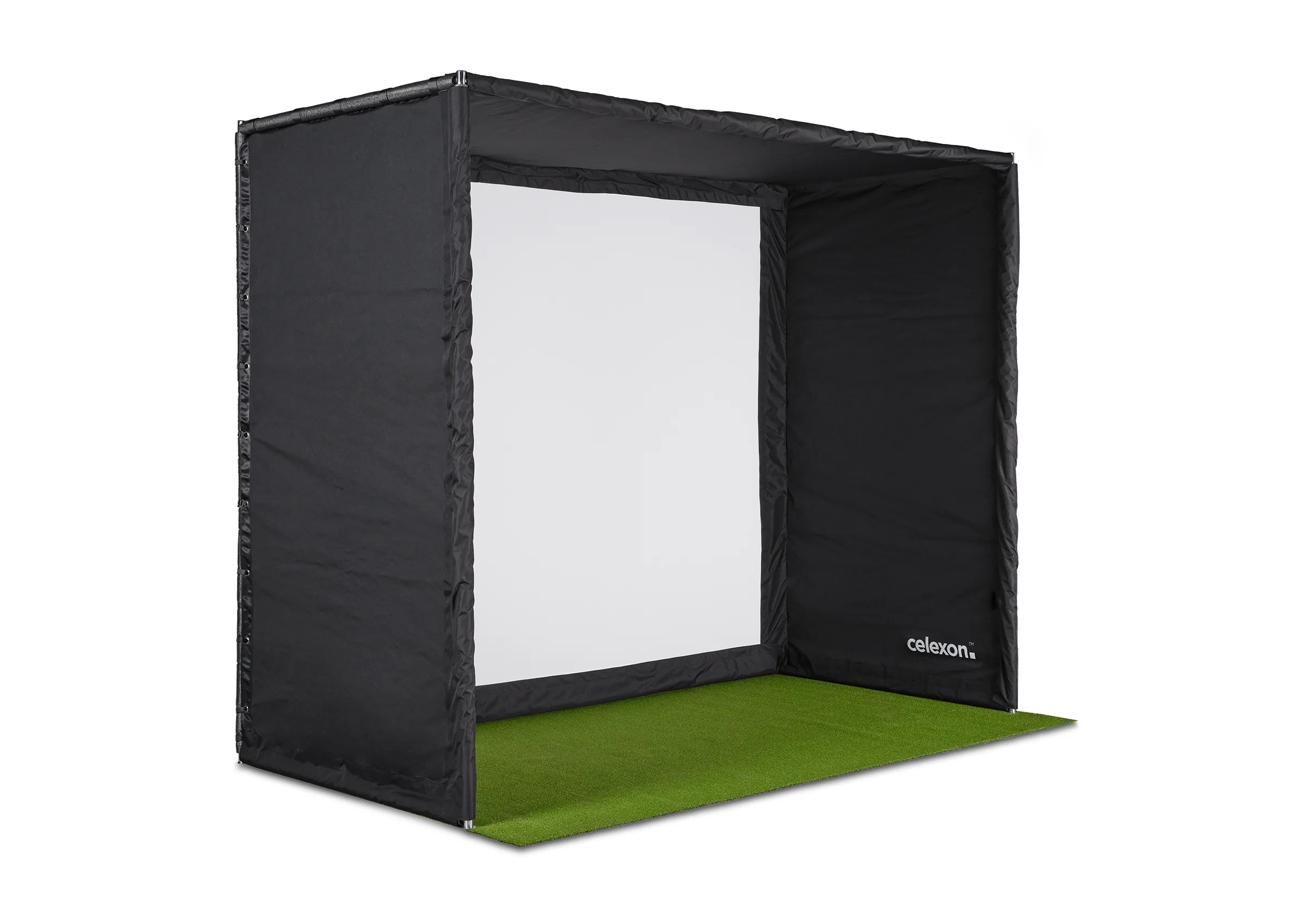
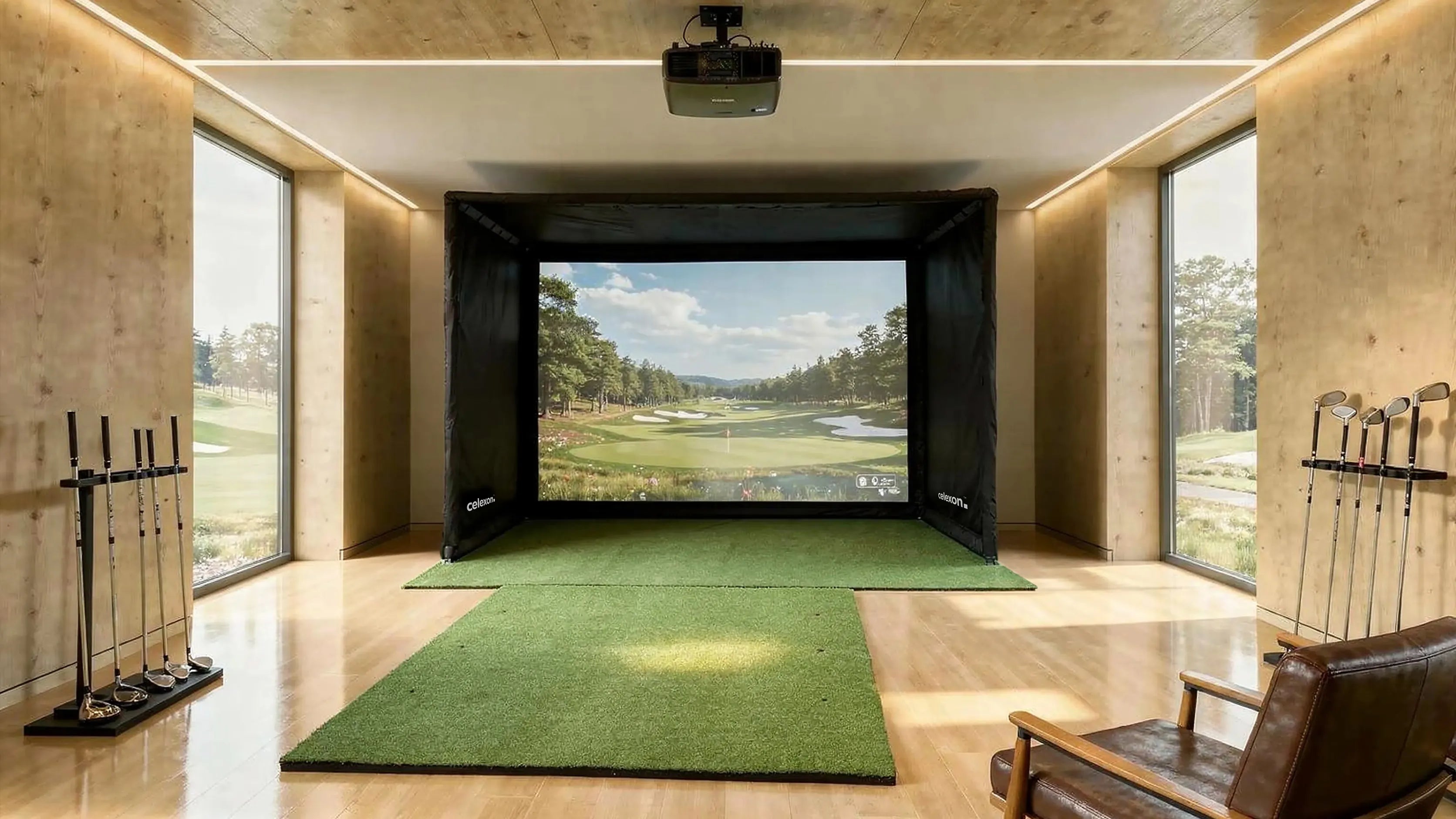
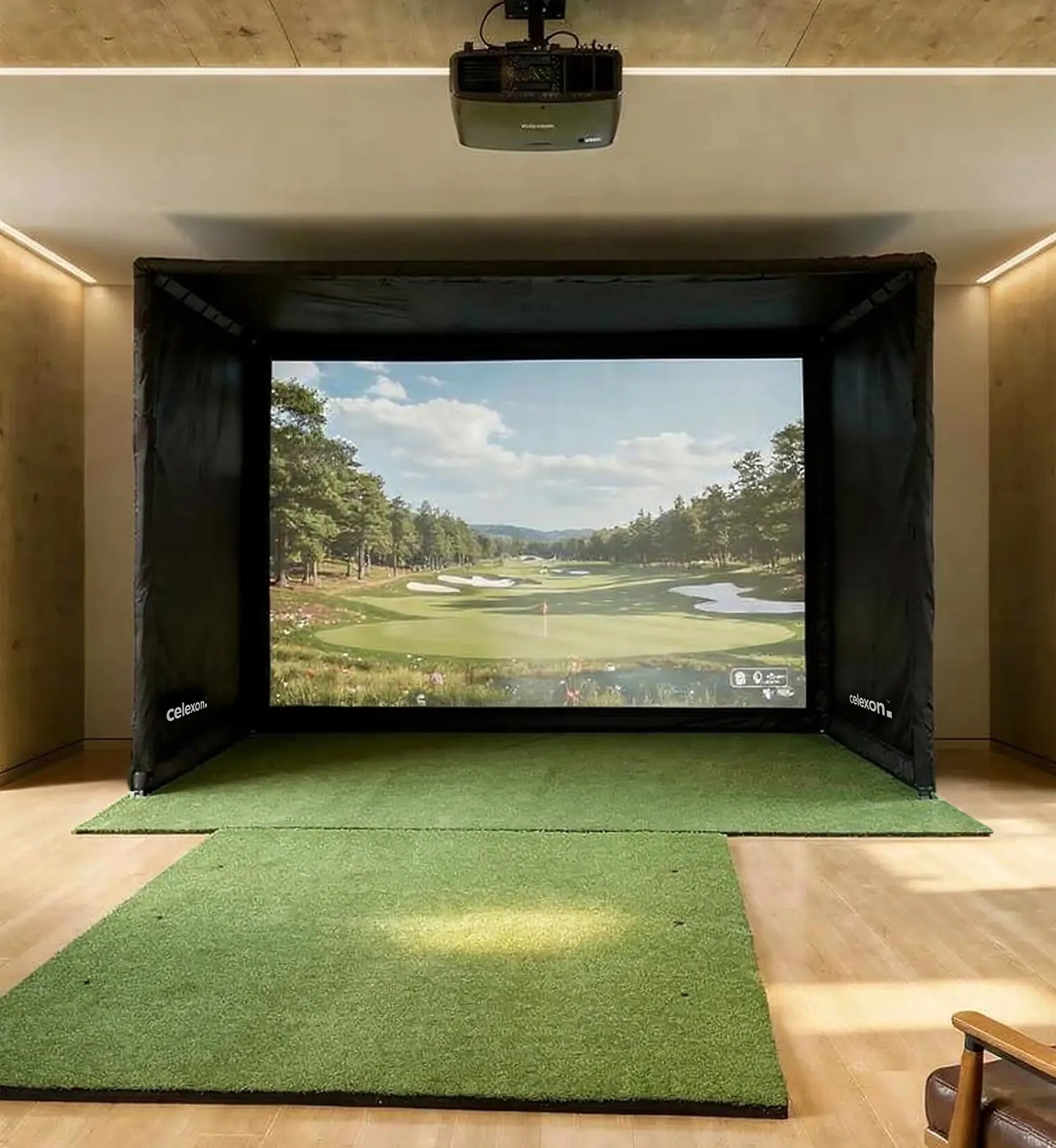
The celexon FAIRWAY Professional Golf Simulator is available in various sizes and can be adapted to different room conditions and requirements. The enclosure provides a stable construction, protection in the hitting area, and a professional environment for your golf simulator setup.
Launch monitor, projector, and software can be integrated flexibly, allowing you to customize your setup individually or easily use existing equipment.
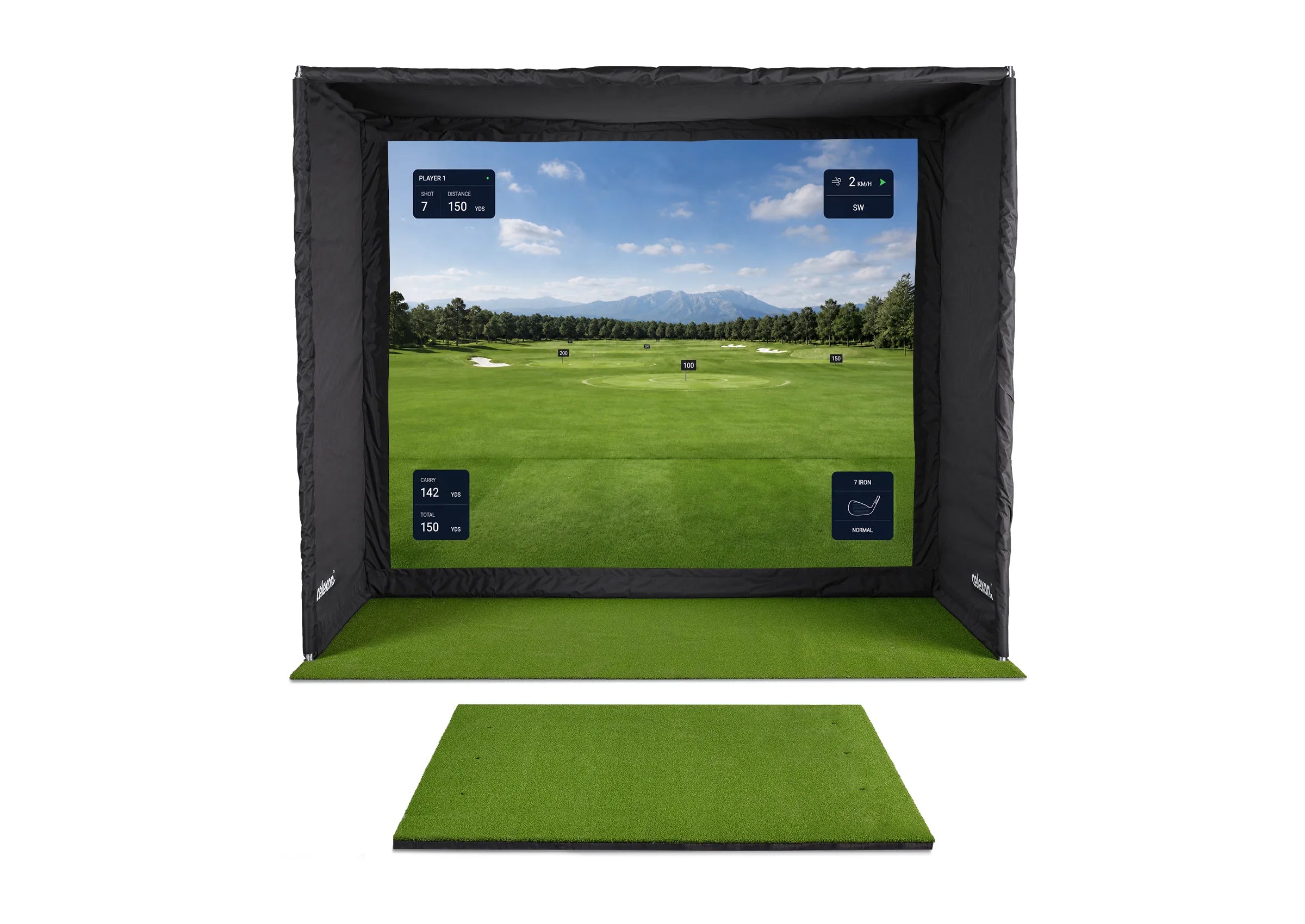
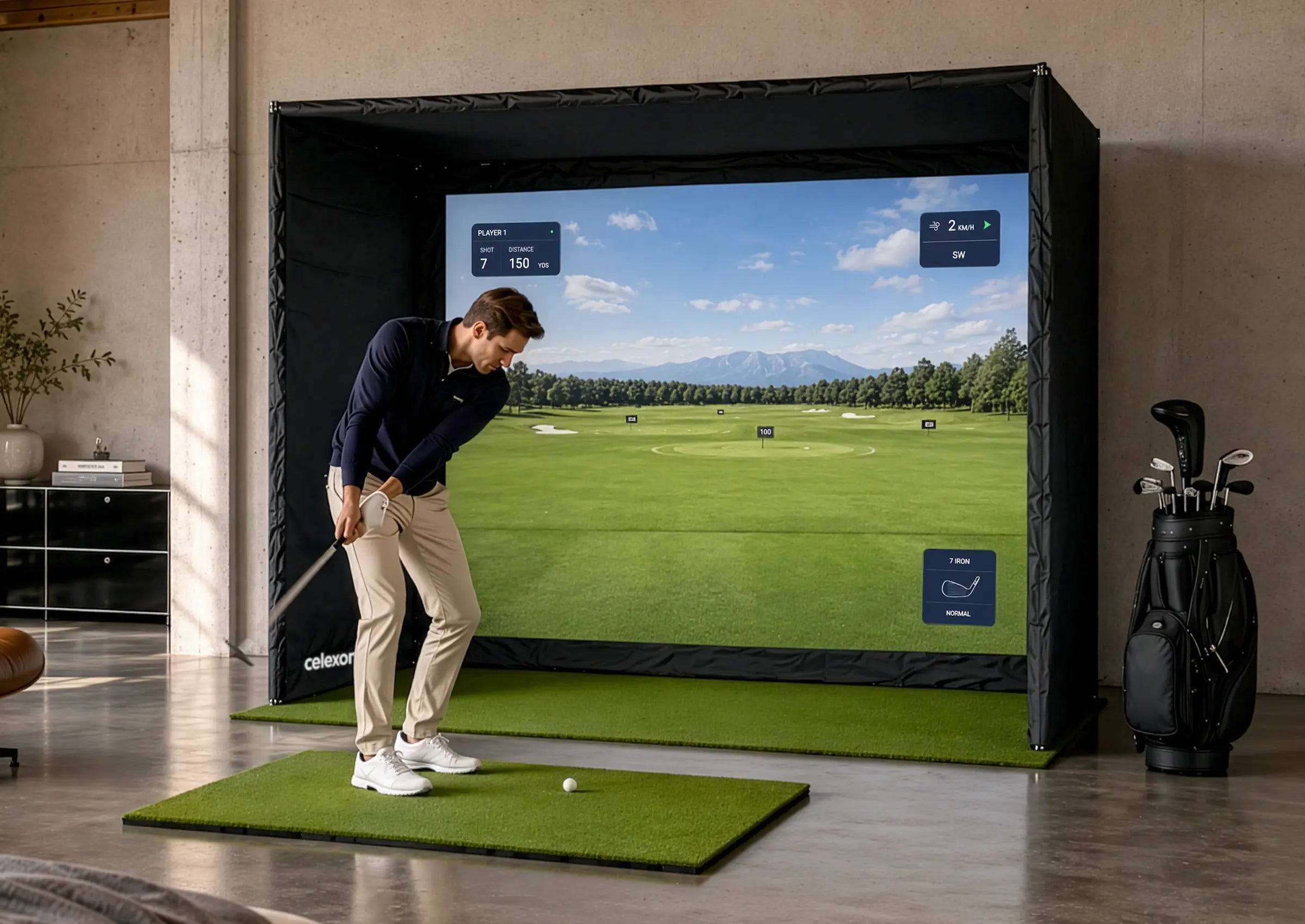
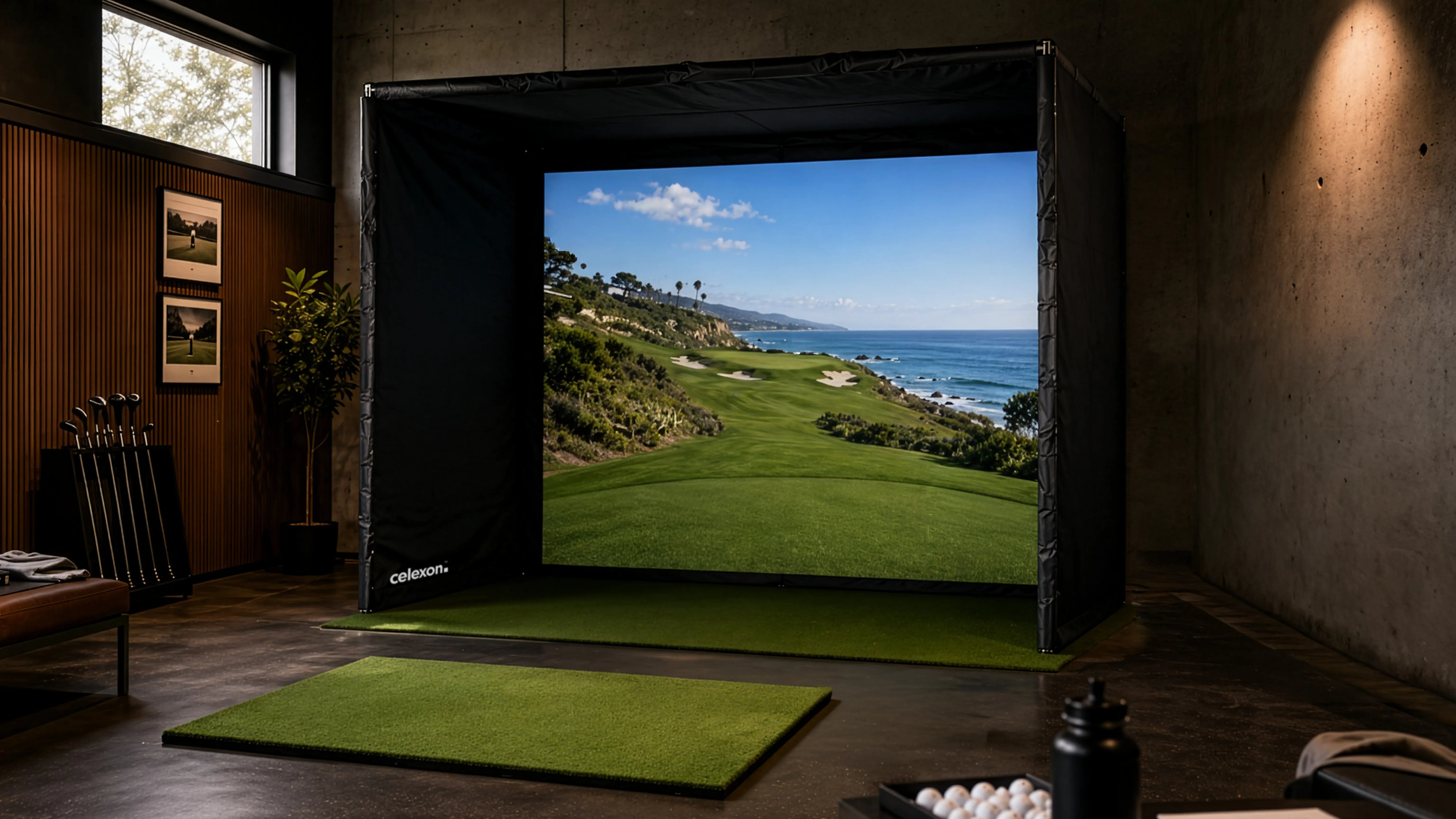
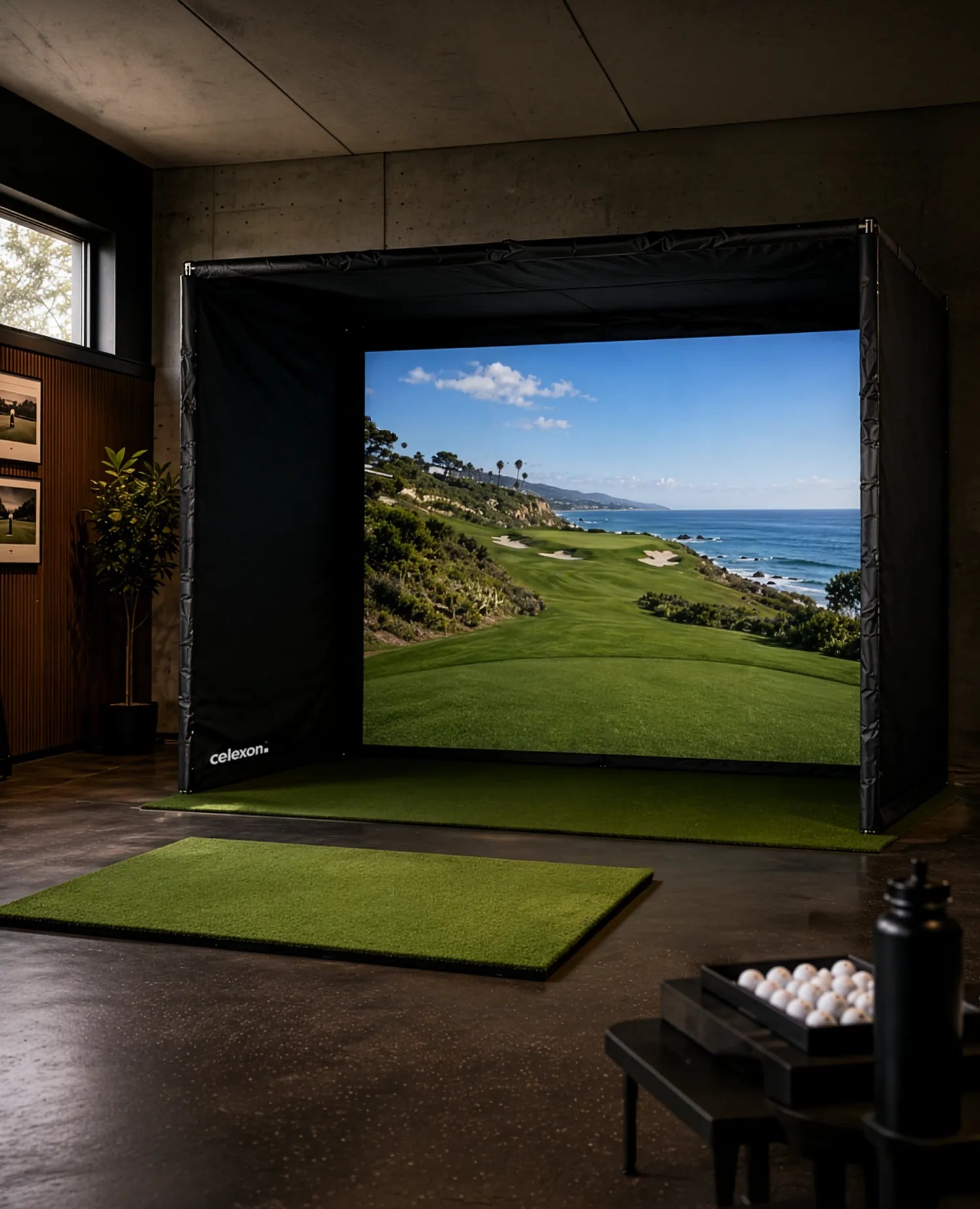
celexon FAIRWAY Professional Golf Simulator
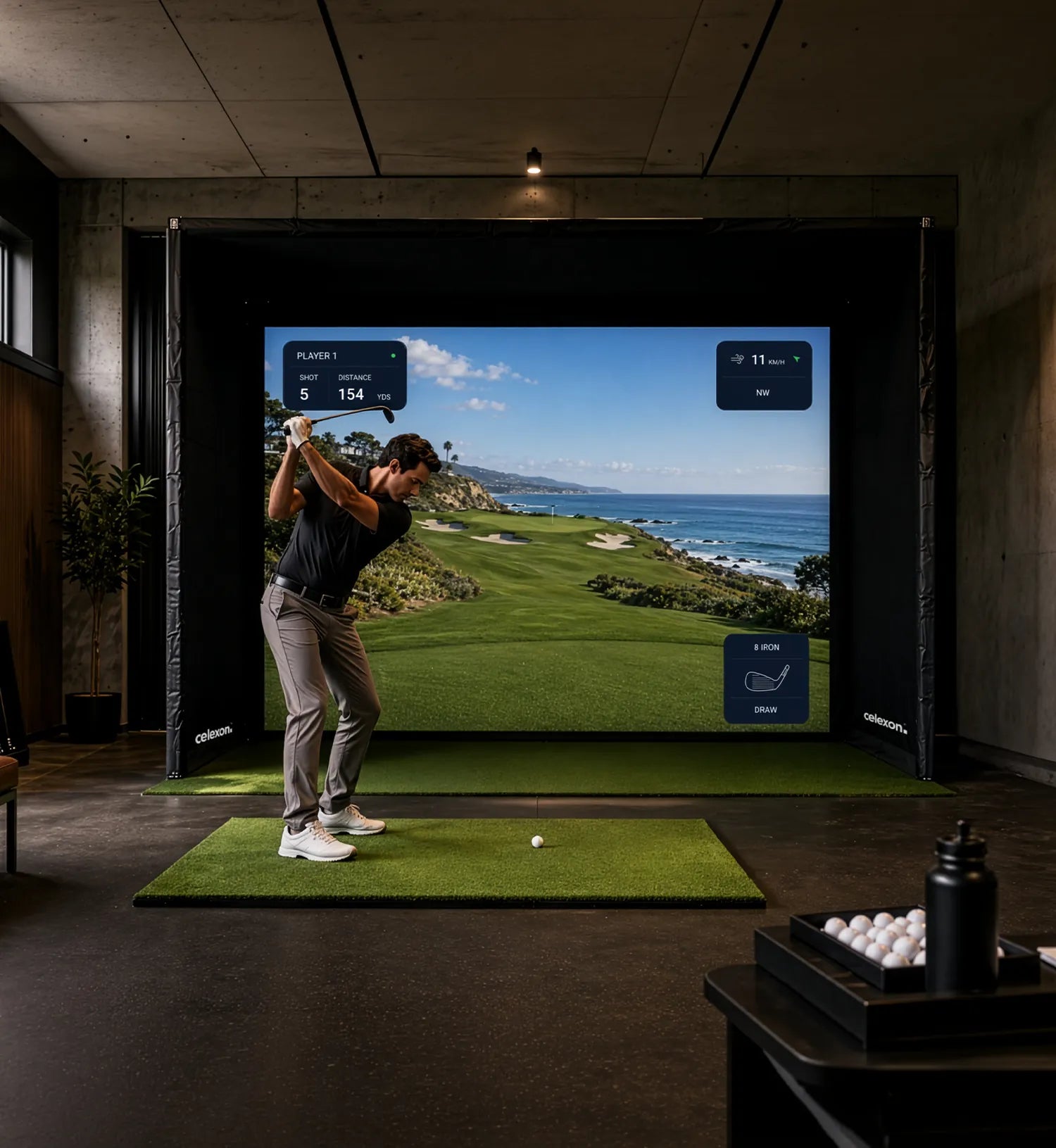
Your personal golf course – all year round, in any weather, at any time of day. The FAIRWAY Professional creates an environment where true training and pure enjoyment of the game come together. Work specifically on your technique, play rounds on world-renowned courses, or challenge friends and colleagues to a match – entirely on your terms. Precise, immersive, and always ready whenever you are.
This well-designed complete system brings together everything needed for a premium indoor golf setup – while adapting flexibly to a wide range of spaces and requirements. Whether in a private training area, at a golf club, or in a showroom: the FAIRWAY Professional impresses not only as a golf simulator, but becomes an integral part of your everyday life – for training, entertainment, and unforgettable moments with guests and clients.
Included in the scope of delivery:


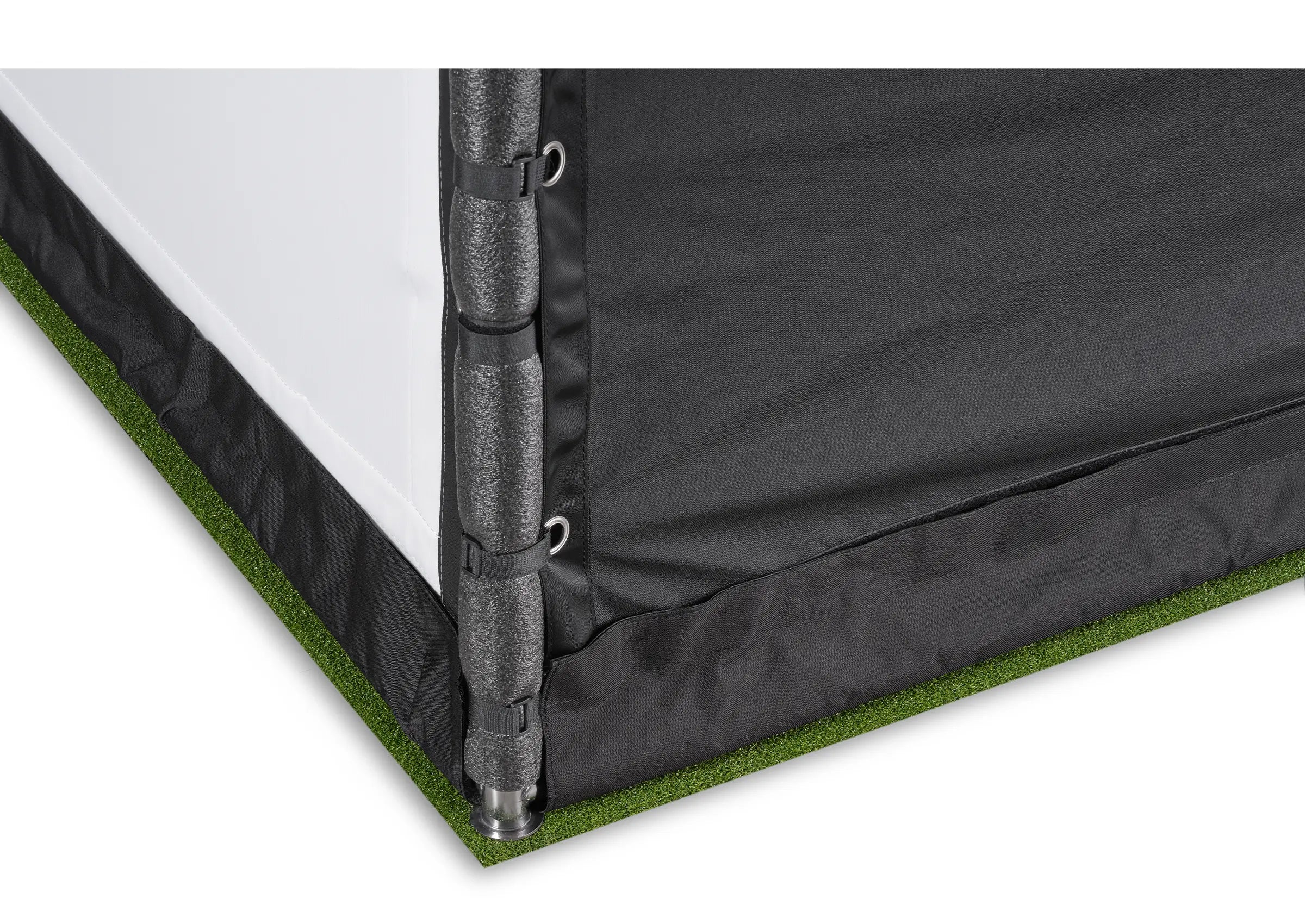
Stainless steel tubular frame
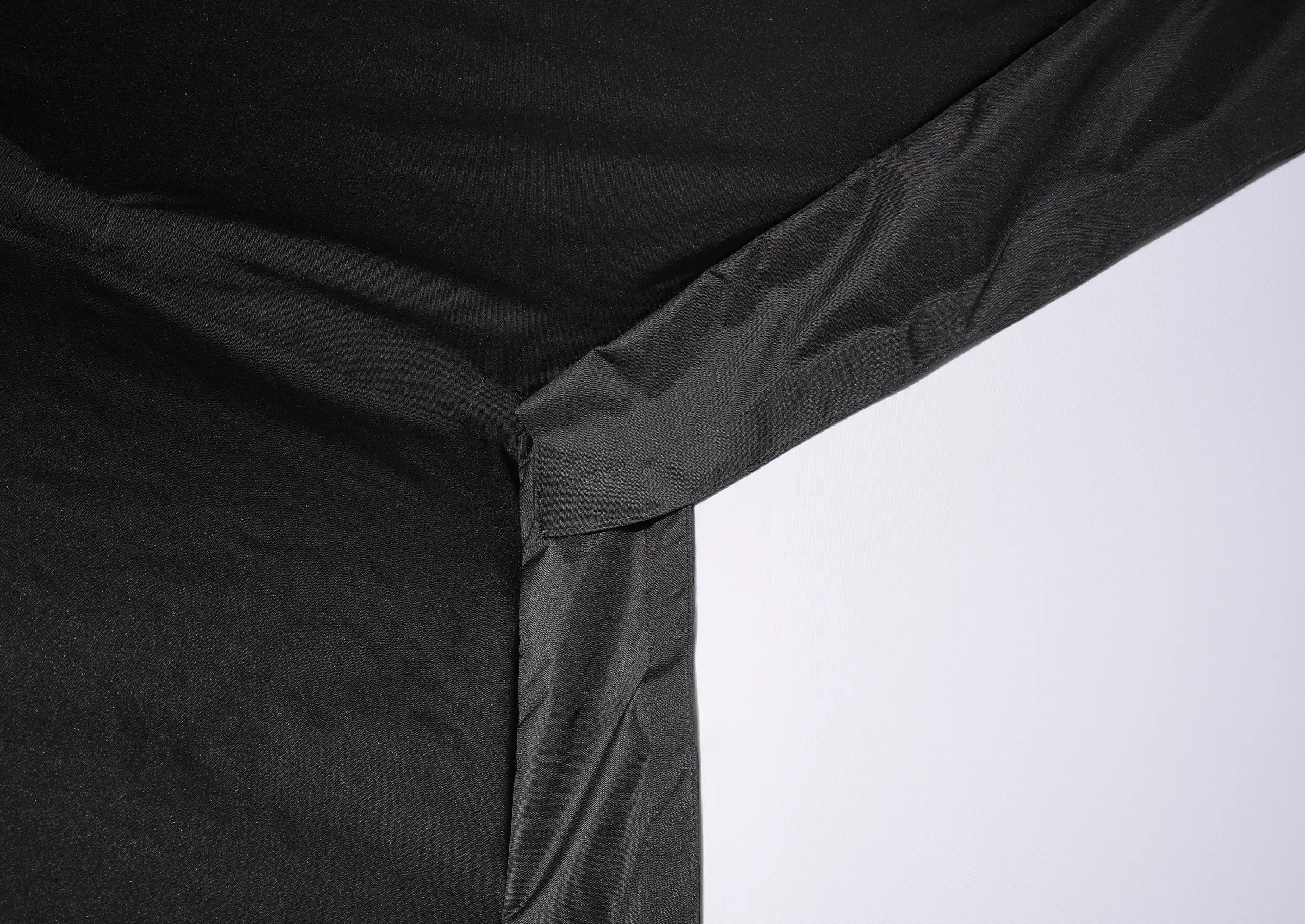
Fully padded with durable textile covering to ensure a safe and immersive playing environment.
Premium turf matrix
Ensures greater immersion and realistic ball response while effectively damping the impact of the ball.
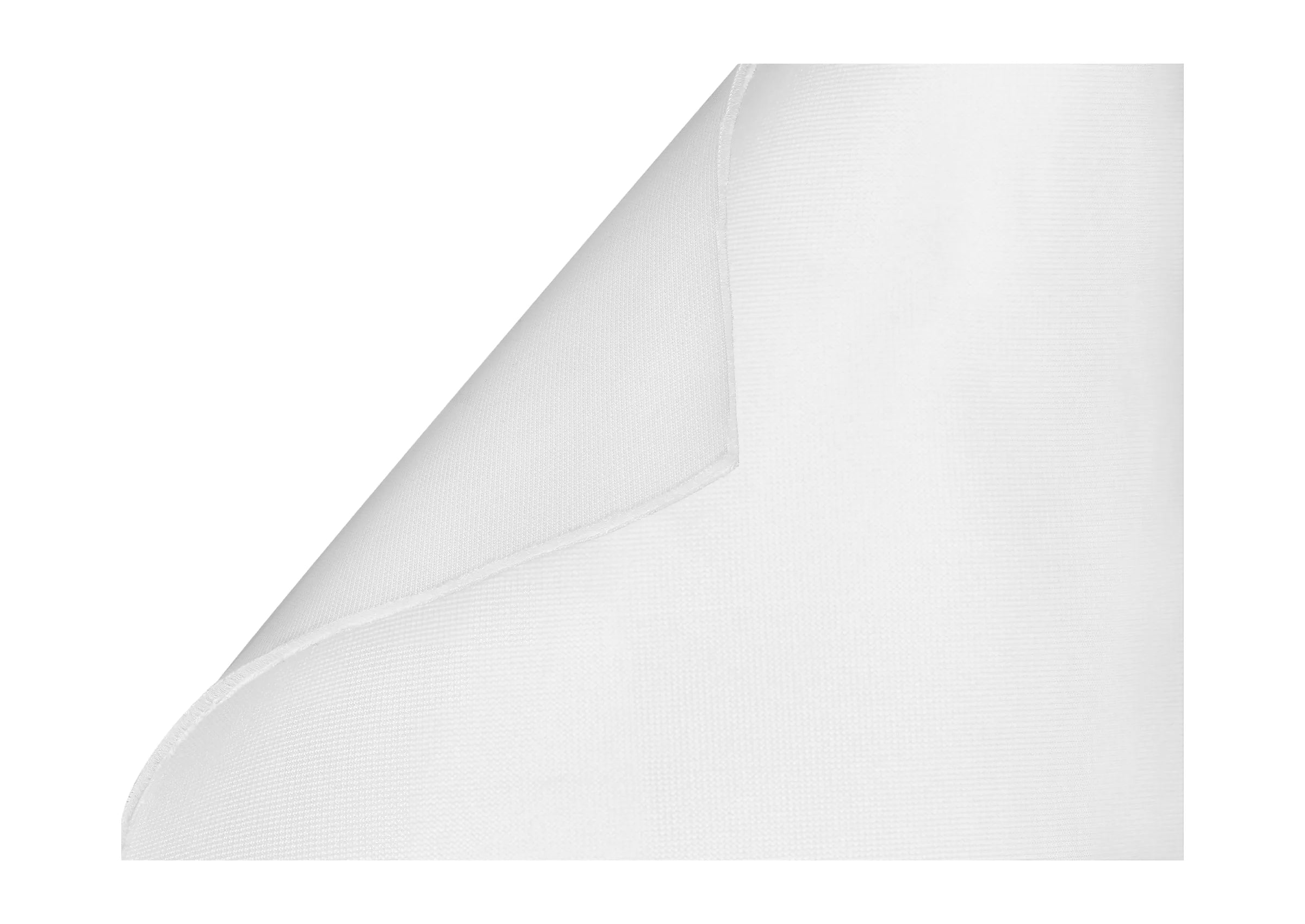
Multi-layer, dimensionally stable impact screen
Ensures high-quality 4K projection and noise reduction – designed to withstand thousands of impacts.
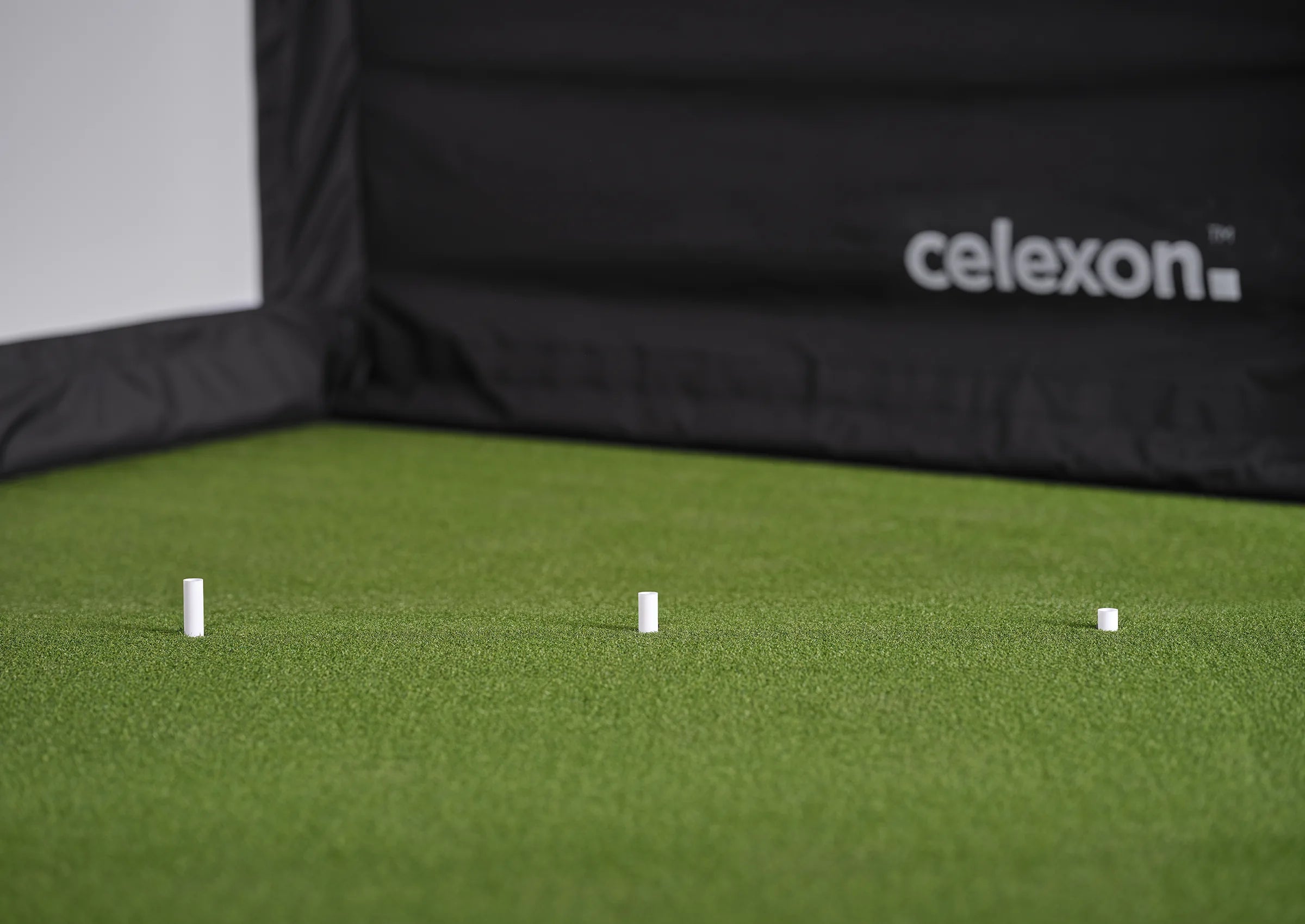
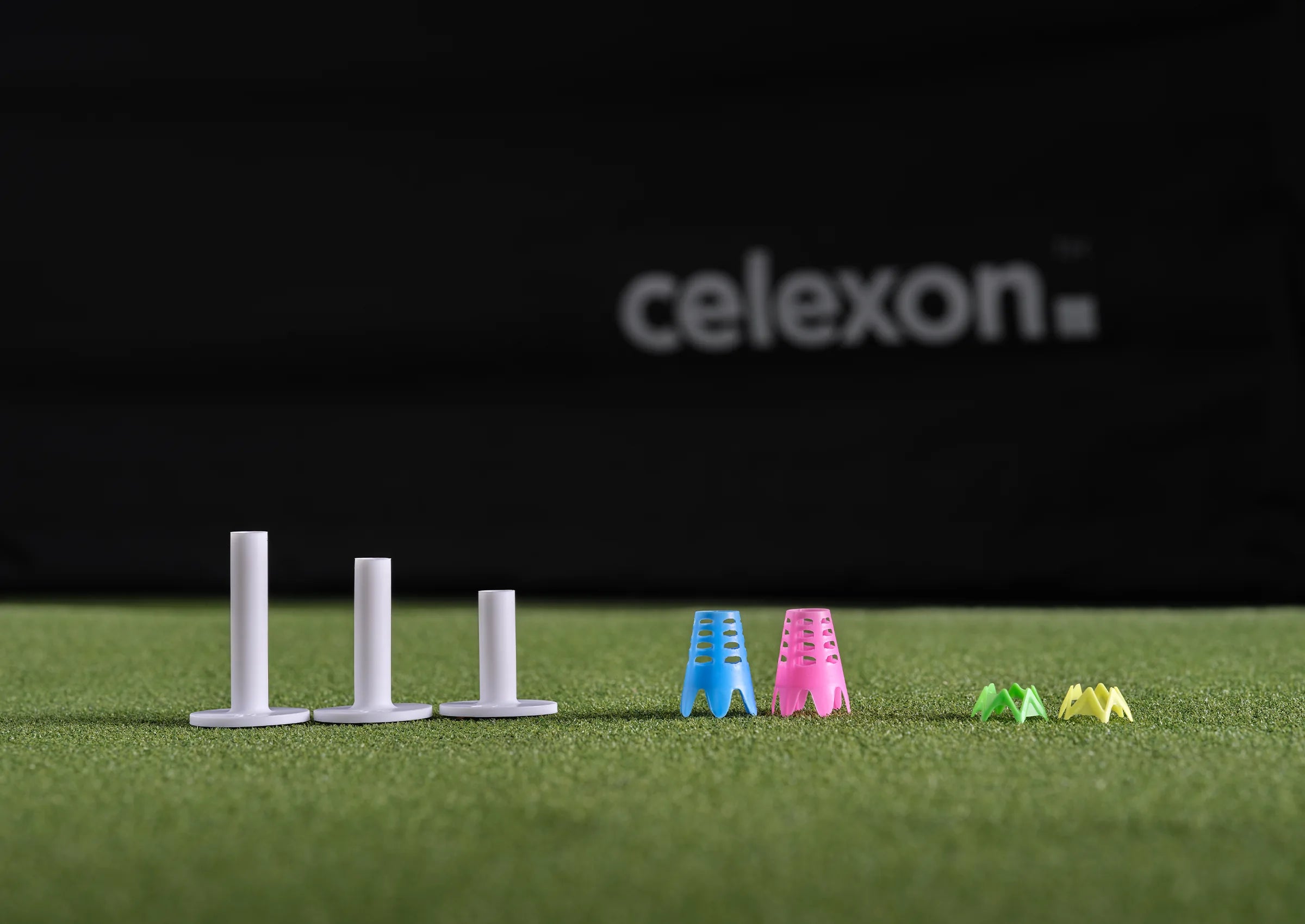
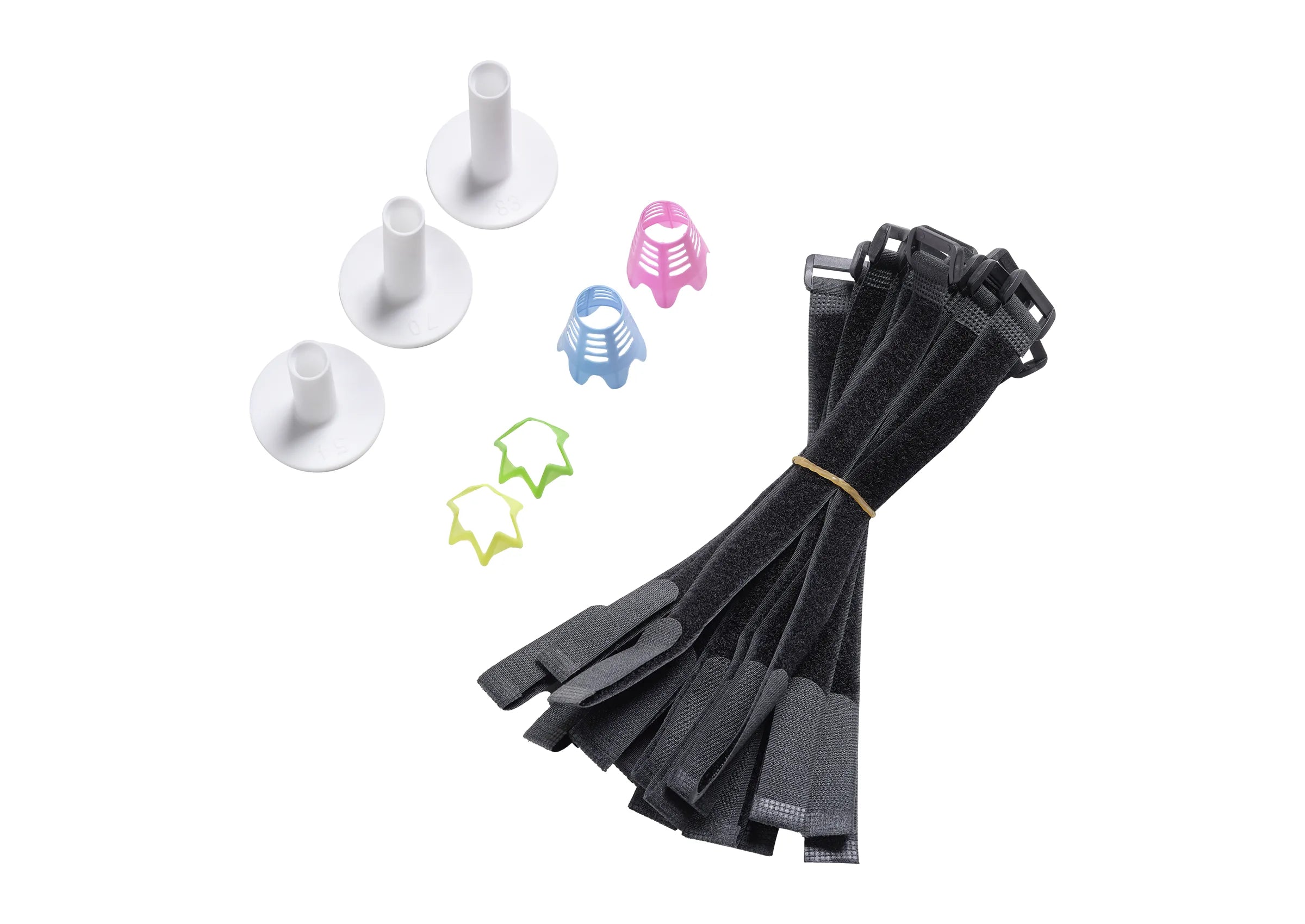
Hitting mat
Provides a realistic feel when hitting and enables comfortable practice thanks to the included tees.
What do I need for an optimal playing experience?

Crystal-clear projection
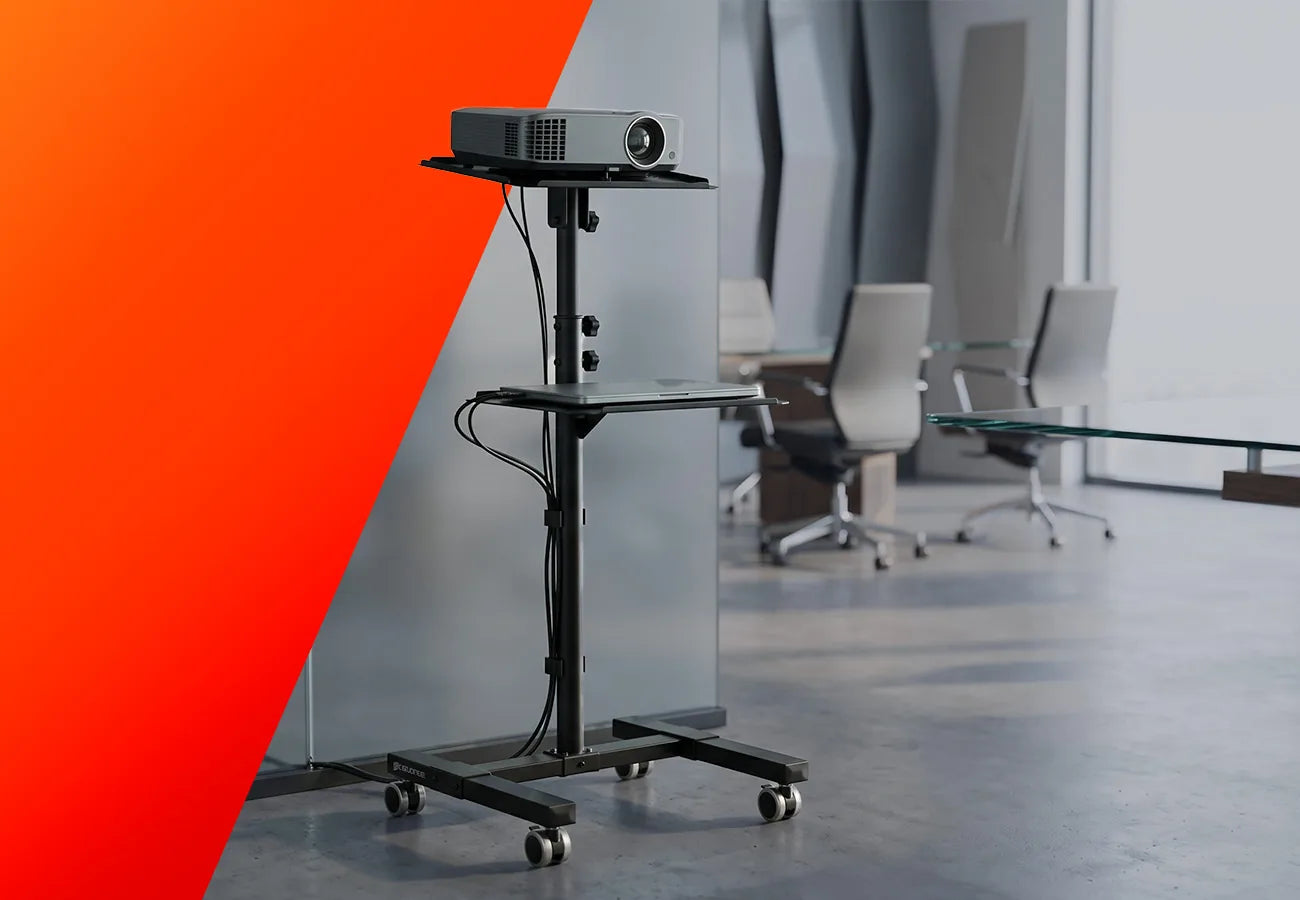
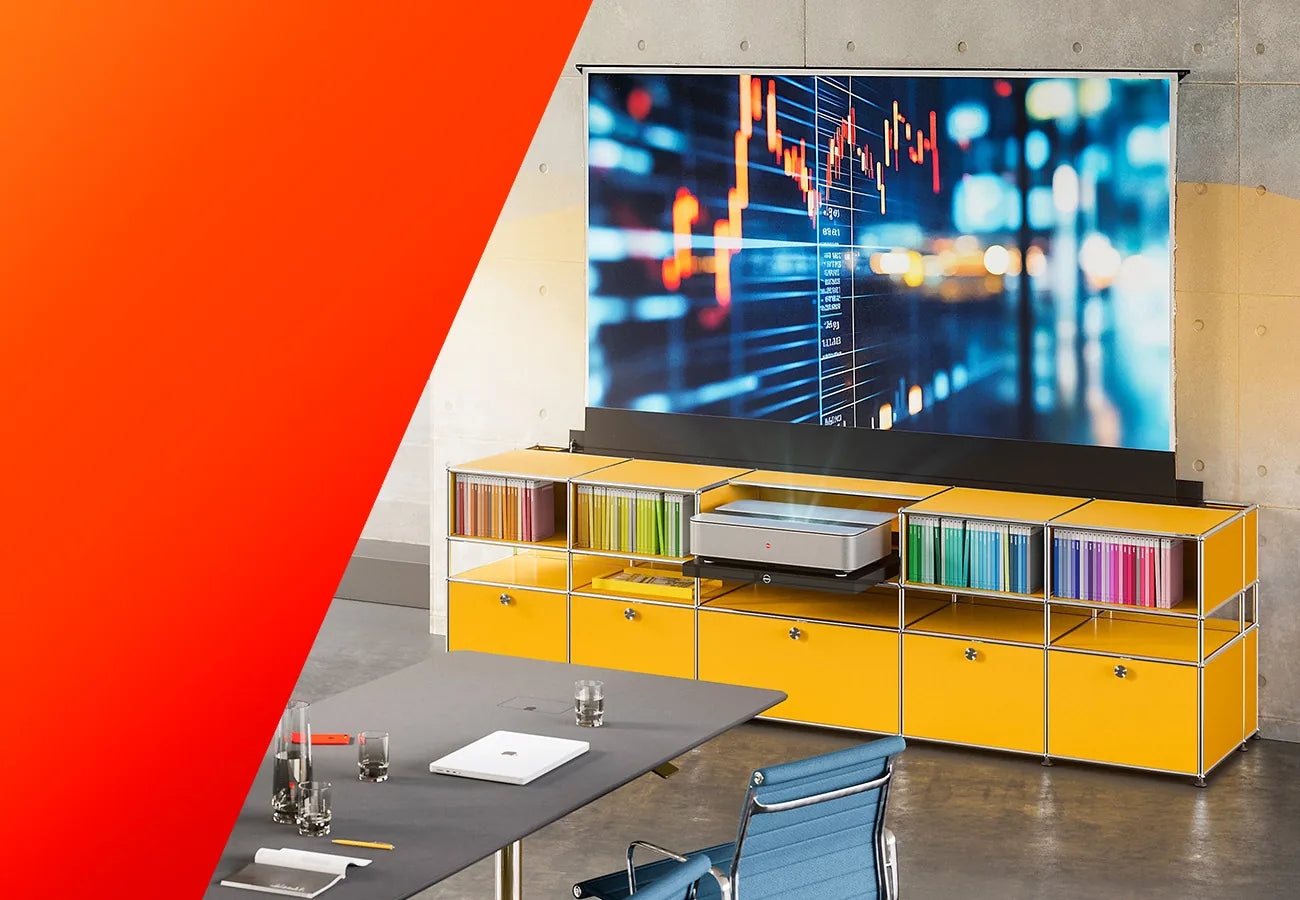
For a golf simulator to reach its full potential, choosing the right projector is essential. It ensures that the virtual golf course is displayed sharply, realistically, and without distortion on the screen. Only with the right projection can you achieve the immersive experience that defines a high-quality golf simulator.
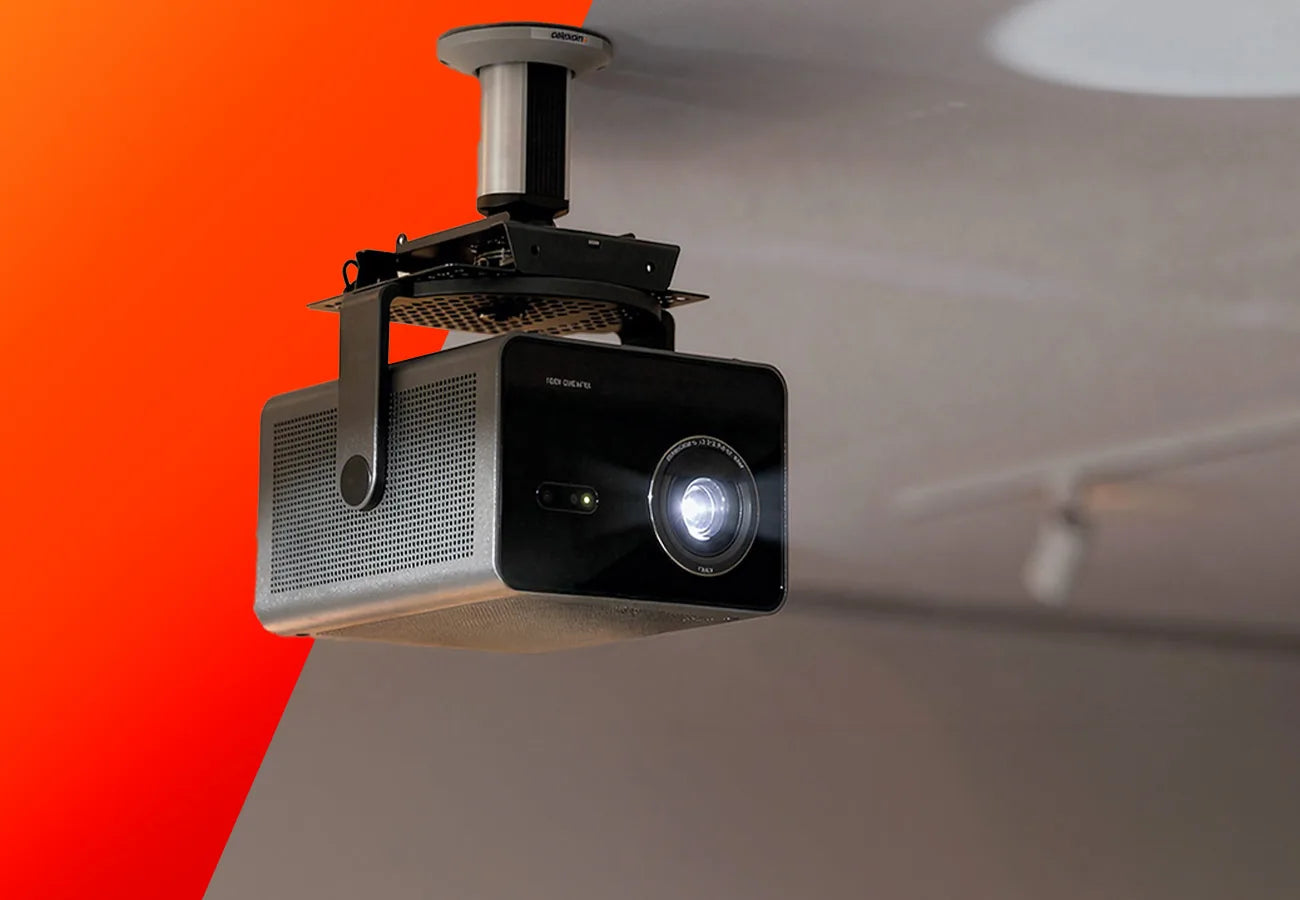
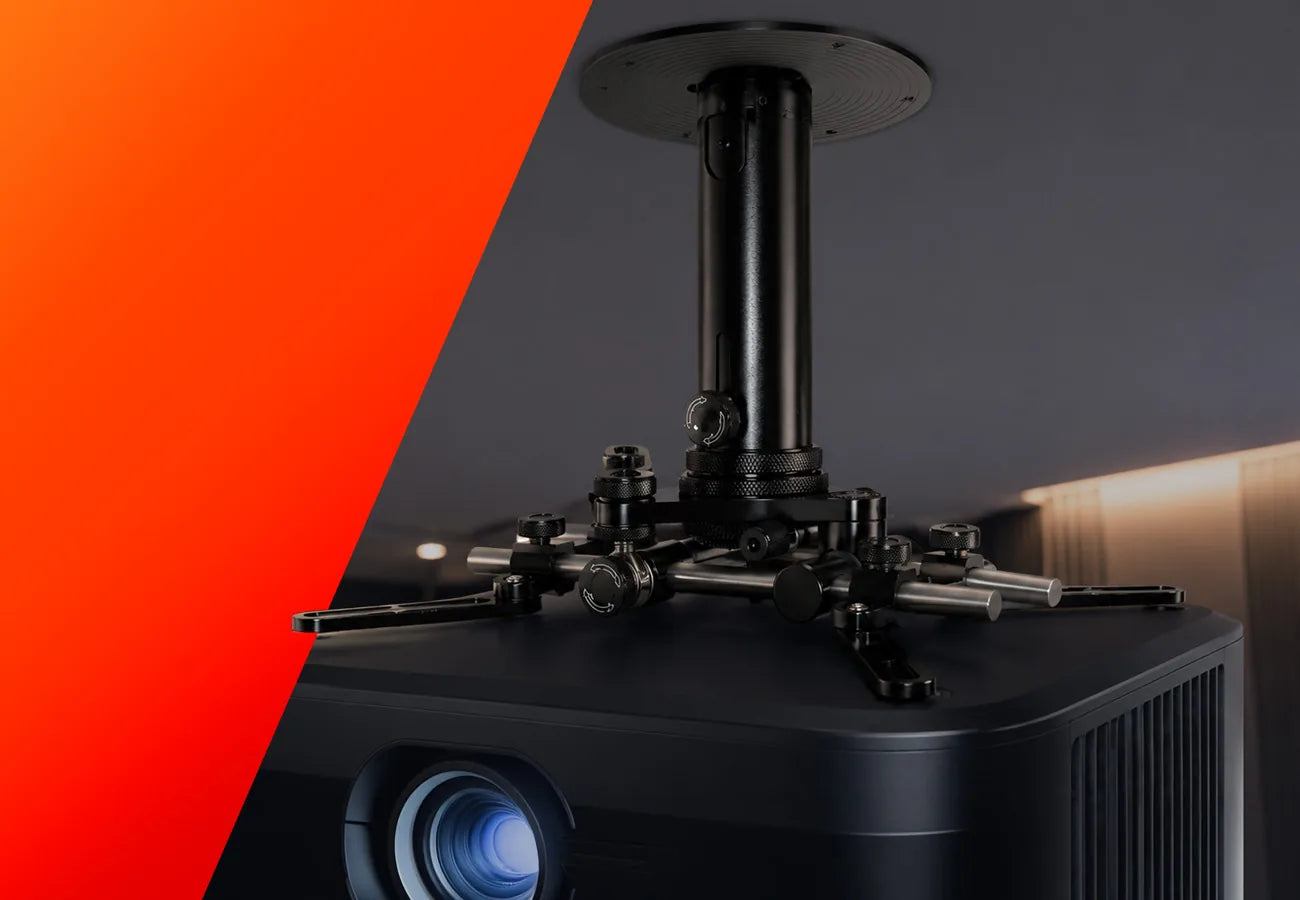
A suitable projector must meet several requirements. In addition to sufficient brightness and high resolution, the correct throw ratio is especially important to ensure the image is projected onto the screen without distortion and without creating shadows in the hitting area.
Since the celexon FAIRWAY Professional Golf Simulator is available in various sizes, the projector should be matched to the specific enclosure size and room configuration.

Precise shot analysis
The launch monitor is the heart of every golf simulator. It captures data from your shot – including ball speed, launch angle, spin, and shot direction – and transmits this information to the simulator software. Based on this data, the ball flight is calculated and realistically displayed on the virtual golf course.
The more precise the launch monitor, the more realistic the simulator experience becomes. At the same time, the collected data provides valuable insights into your swing and allows you to improve your technique and consistency in a targeted way.
A suitable launch monitor therefore not only ensures realistic simulation, but also turns the golf simulator into an effective training tool.

Realistic golf simulation
In addition to hardware, the right software also plays a central role in the overall golf simulator experience. It processes the data captured by the launch monitor and converts it into a realistic representation of the ball flight as well as the gameplay on the virtual golf course.
Modern golf simulator software allows you to play world-famous golf courses with a high level of realism, use training modes, and gain detailed insights into your performance. Metrics such as ball speed, spin, launch angle, and shot direction are analyzed precisely, helping you to improve your technique in a targeted way.
Furthermore, the software offers various game modes – from classic rounds and training programs to multiplayer competitions. Regular updates often expand the range of features and ensure that new courses, training options, and improvements are continuously added.


The right technology for your application

Camera-based launch monitors (photometric)
Camera-based launch monitors are typically mounted either beside the ball or fixed above the hitting area. They use high-speed cameras to capture the moment of ball impact from multiple angles, recording thousands of images per second. Based on this data, the system calculates precise information about the shot and the subsequent ball flight.
In a side-mounted setup, the monitor is usually placed on the ground about 30 to 60 cm next to the ball, allowing the cameras to optimally capture the moment of impact between club and ball. Alternatively, some systems can be permanently installed on the ceiling above the hitting area – often around 1 to 1.2 meters in front of the tee and approximately 3 meters above the ground. This solution is particularly common in professional installations, as it keeps the hitting area clear and allows both right- and left-handed players to play without restrictions.
Since these systems primarily analyze the moment of impact and do not rely on a long ball flight, they require relatively little space. This makes them especially suitable for golf simulators in rooms with limited depth.

Radar-based launch monitors (Doppler radar)
Radar-based launch monitors are typically positioned behind the golfer – usually about 1.8 to 3 meters behind the ball. They use Doppler radar, emitting microwave signals to track the movement of both club and ball. Based on these signals, the system can precisely follow the ball’s trajectory and calculate key shot data.
To allow the radar to track the ball over the longest possible distance, the launch monitor is aligned directly toward the target behind the player. In addition, extra space is required in front of the ball – typically around 2.5 to 4 meters – so the ball has sufficient flight distance before hitting the screen. This additional distance enables especially accurate calculation of parameters such as spin, trajectory, and distance.
Since radar-based systems measure the ball over a larger portion of its flight, they benefit particularly from larger indoor spaces or installations with sufficient depth.
FAQ
Frequently asked questions about our golf simulator:
Who is a golf simulator suitable for?
A golf simulator is suitable for a wide range of users – from beginners to ambitious golfers. Beginners can practice their first shots in a relaxed environment and gradually develop a feel for swing and ball contact. At the same time, experienced players benefit from detailed shot data and training options to analyze and improve their technique in a targeted way.
Golf simulators also offer interesting opportunities for golf clubs, coaches, and businesses. They can be used for individual training, events, or as an attractive addition to existing offerings.
In addition, a golf simulator is ideal for anyone who wants to play or practice golf regardless of weather and season – conveniently indoors.
Can I really improve my game with a golf simulator?
Yes, a golf simulator can be a highly effective training tool. Modern launch monitors capture a wide range of shot data such as ball speed, launch angle, spin, shot direction, and carry distance. This information helps you better understand your swing and work on your technique in a targeted way.
Many simulator software solutions also offer dedicated training modes and analysis features. This allows specific aspects of your game – such as consistency, distance control, or shot shape – to be trained systematically.
Another advantage is the ability to practice regularly – regardless of weather or season. With more frequent and structured training sessions, progress can often be achieved faster than with practice on the driving range alone.
How much space do I need for a golf simulator?
The space required for a golf simulator depends on several factors – in particular the ceiling height, available width, and room depth. To ensure a comfortable golf swing and optimal simulation performance, the room should provide sufficient space for swing movement, the screen, and the simulator technology.
As room conditions can vary significantly, we offer our simulator enclosures in different size variants. This allows for both compact solutions for smaller spaces and larger setups for a highly immersive experience.
We are happy to advise you in selecting the right size and work with you to find a solution that perfectly fits your space and your planned simulator setup.
Which accessories are useful for a golf simulator?
In addition to the simulator enclosure, there are several additional components that are important for a complete and comfortable golf simulator setup. Particularly important are the launch monitor, which captures shot data, and a suitable projector that displays the virtual golf course on the screen, creating a realistic playing experience.
The software also plays a crucial role. It processes the data measured by the launch monitor and visualizes the ball flight as well as the gameplay on virtual golf courses. Many programs also offer training modes and detailed shot analyses, allowing you to improve your game in a targeted way.

Do you have any further questions?
Whether it’s about technology, application, or selection – our experts are happy to assist you with any questions about the golf simulator or other products.
Contact us!