






Pylon System Guide
A pylon system is one of the most flexible solutions for professional presentation – whether in the classroom, the conference room or a training environment. But as the range grows, so does the question: which model really suits my requirements? This guide gives you all the answers – from the basics through the most important decision criteria to concrete product recommendations. This way you will find the right system with confidence – without lengthy searching.
Contents
Which types are there?
Pylon systems are not all the same. Depending on whether you want to present a large touch display, work with a projector or need a classic board surface for writing – there is the right variant for every application. We show you which types are available, what sets them apart and who they are suited for.
For displays
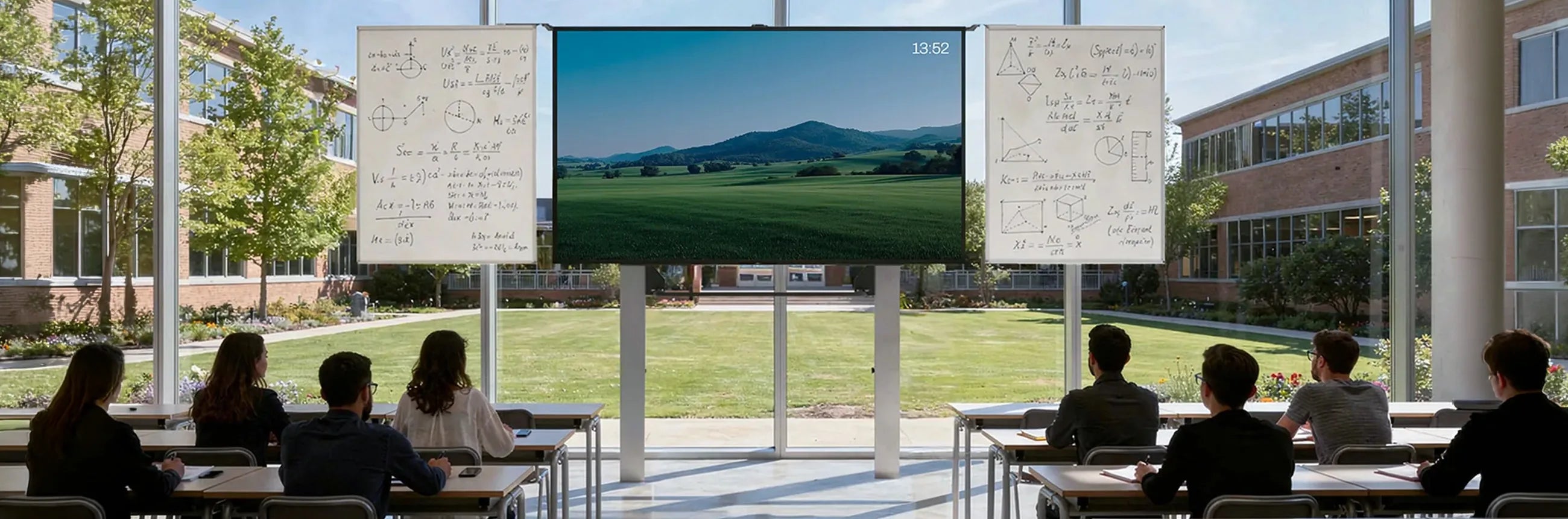
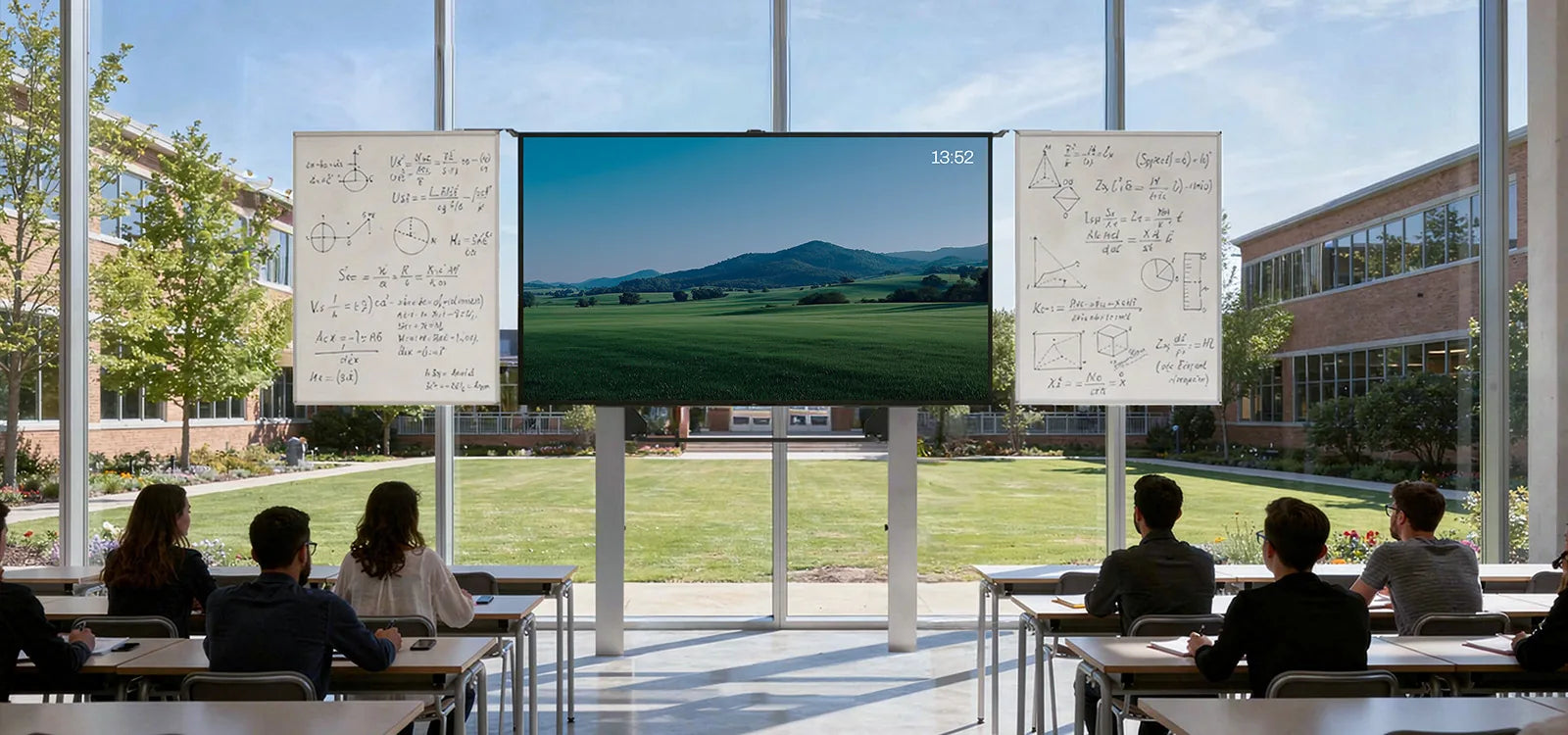
Pylon systems for displays are the most versatile solution in the celexon range. They support touch displays from 65 to 86 inches safely and ergonomically – replacing rigid wall mounting with true flexibility. Depending on the model, the height can be adjusted manually via a counterweight system or conveniently via a quiet electric motor, so the display is optimally positioned for every user. Optionally, whiteboard wings can be added on both sides, creating additional writing surfaces – without the need to purchase a second device. Integrated cable management ensures a neat and tidy appearance.
With whiteboard
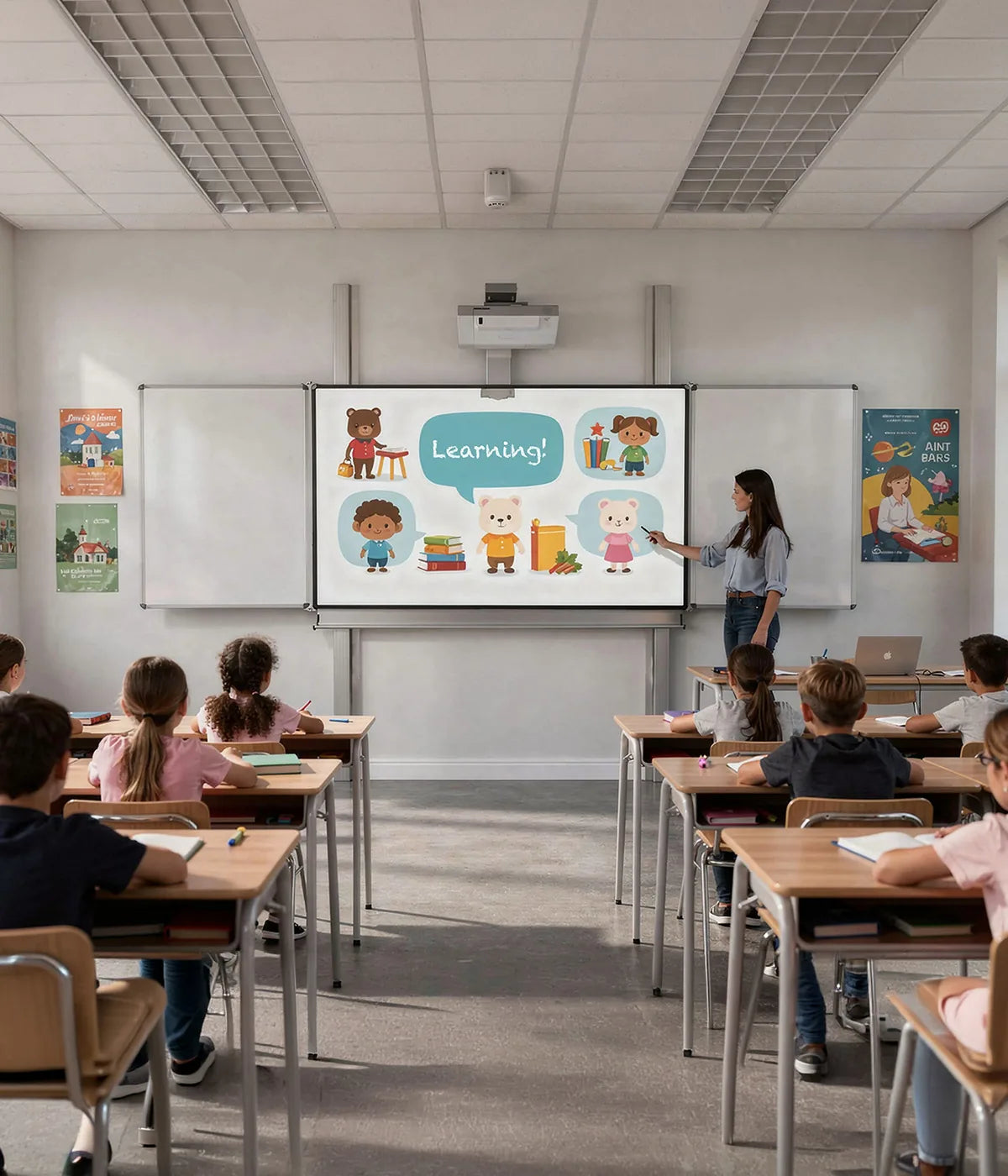
Anyone who wants to combine presenting and writing in one system is optimally set up with a pylon system with whiteboard. The matt-white board surface is specially suited for board markers and can simultaneously be used as a projection surface for a projector – both without compromise. This makes this type particularly attractive for hybrid teaching and learning formats, where digital content and handwritten notes stand side by side on equal terms. The integrated projector mount is designed so that no separate tripod or additional accessories are required.
For projectors
This pylon system has been consistently developed for use with projectors. A permanently integrated projector arm on the board system holds the projector securely in position – precisely aligned with the projection surface, without wobbling or recalibrating. The great advantage over freestanding tripod solutions: the system remains compact, stable and can be moved as a single unit, without the projector and board needing to be realigned each time. Ideal for anyone who projects regularly and does not want to invest time in setting up and dismantling.
Mobile/movable
Mobility is the defining characteristic of this system type. A stable H-frame with high-quality heavy-duty castors makes it possible to move the complete system – including the mounted display – to another room in just a few seconds. Locking brakes ensure that the system stands securely during operation and is not accidentally moved. Particularly in schools, training centres or office buildings with changing usage scenarios, this is a decisive advantage: one system for multiple rooms, without compromise on stability or safety.
Wall/floor mounting
For locations where the system permanently remains in a fixed position, wall or floor mounting offers the most stable and secure solution. The system is firmly connected to the substrate, which rules out any tipping or accidental displacement. Especially in heavily frequented environments – such as schools or public institutions – this is an important safety feature. At the same time, the fixed installation looks particularly neat and professional, as no visible feet or castors affect the appearance of the room.
Pylon systems for displays are the most versatile solution in the celexon range. They support touch displays from 65 to 86 inches safely and ergonomically – replacing rigid wall mounting with true flexibility. Depending on the model, the height can be adjusted manually via a counterweight system or conveniently via a quiet electric motor, so the display is optimally positioned for every user. Optionally, whiteboard wings can be added on both sides, creating additional writing surfaces – without the need to purchase a second device. Integrated cable management ensures a neat and tidy appearance.
Anyone who wants to combine presenting and writing in one system is optimally set up with a pylon system with whiteboard. The matt-white board surface is specially suited for board markers and can simultaneously be used as a projection surface for a projector – both without compromise. This makes this type particularly attractive for hybrid teaching and learning formats, where digital content and handwritten notes stand side by side on equal terms. The integrated projector mount is designed so that no separate tripod or additional accessories are required.
This pylon system has been consistently developed for use with projectors. A permanently integrated projector arm on the board system holds the projector securely in position – precisely aligned with the projection surface, without wobbling or recalibrating. The great advantage over freestanding tripod solutions: the system remains compact, stable and can be moved as a single unit, without the projector and board needing to be realigned each time. Ideal for anyone who projects regularly and does not want to invest time in setting up and dismantling.
Mobility is the defining characteristic of this system type. A stable H-frame with high-quality heavy-duty castors makes it possible to move the complete system – including the mounted display – to another room in just a few seconds. Locking brakes ensure that the system stands securely during operation and is not accidentally moved. Particularly in schools, training centres or office buildings with changing usage scenarios, this is a decisive advantage: one system for multiple rooms, without compromise on stability or safety.
For locations where the system permanently remains in a fixed position, wall or floor mounting offers the most stable and secure solution. The system is firmly connected to the substrate, which rules out any tipping or accidental displacement. Especially in heavily frequented environments – such as schools or public institutions – this is an important safety feature. At the same time, the fixed installation looks particularly neat and professional, as no visible feet or castors affect the appearance of the room.
Technical terms explained simply
Anyone buying a pylon system will quickly encounter terms such as "VESA measurement", "counterweight system" or "DIN EN 14434". It sounds complex – but it isn't. In this section we explain the most important technical terms in simple words, so you can make a confident decision without having to be a technical expert beforehand.


Height adjustment
Pylon systems can be adjusted in height in different ways. Which system is right for you depends on the frequency of use, the location and the available budget.

Electric system
A quiet electric motor takes over the height adjustment at the touch of a button – steplessly, precisely and without physical effort. Ideal for environments where the height needs to be adjusted frequently and quickly.

Manual system
The height adjustment is carried out by hand – without power, without a motor. Simple to operate and low-maintenance. Particularly suitable for locations where there is no power connection nearby or where the height is only rarely adjusted.

Counterweight system with cable pull
Weight baskets in the pylons balance the display weight – similar to an elevator. The result: the height can be adjusted steplessly with minimal effort, even with heavy displays.
Counterweight system
Weight baskets in the pylons balance the display weight – similar to an elevator. The result: the height can be adjusted steplessly with minimal effort, even with heavy displays.
With our pylon system Adjust-W, the counterweight system works very simply: the counterweights are integrated directly into the weight baskets. If the display is replaced with a heavier model or supplemented with accessories, simply add further weights. With a lighter display, counterweights can be just as easily removed again.
This way the system flexibly adapts to your requirements – today and in the future.
Application scenarios
A pylon system adapts to the room – not the other way around. Whether it is a modern conference room, a school classroom, a training centre or a flexibly used office: the requirements differ considerably. In this chapter we show how celexon pylon systems are used in practice – so you can find the scenario that matches your everyday needs.
Seminar rooms and training centres
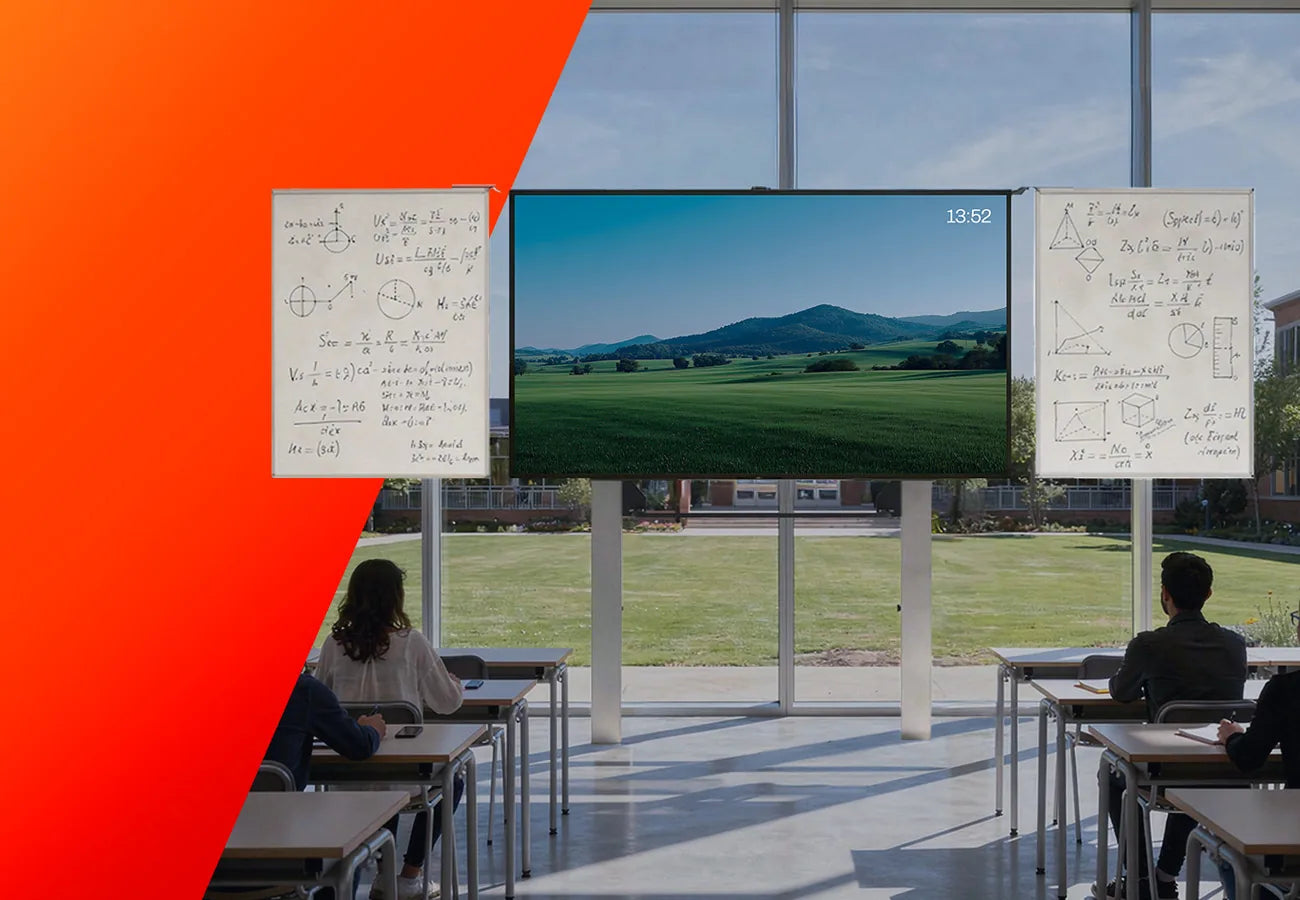
Schools and education
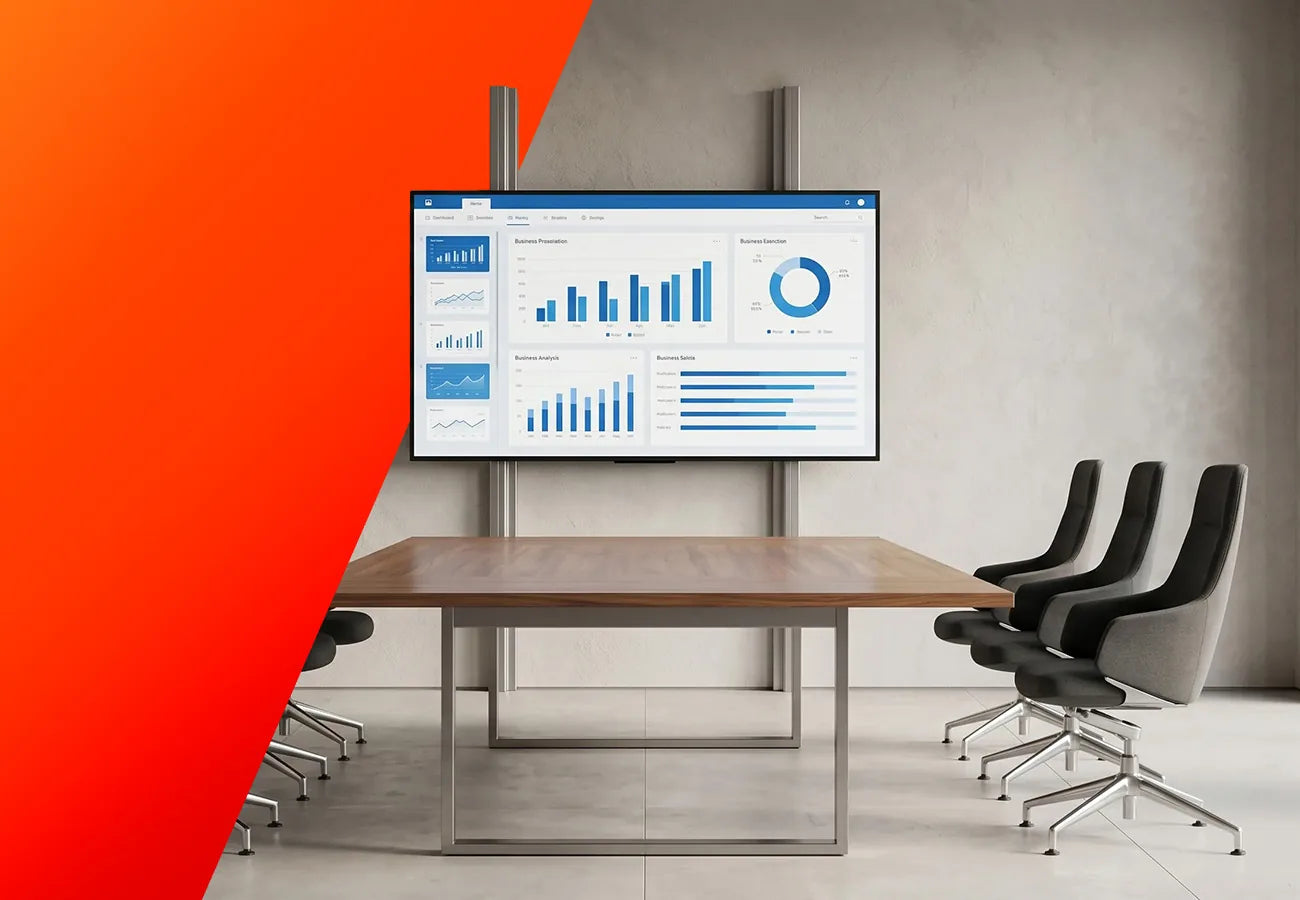
Conference and meeting rooms
celexon Expert manual 2-column pylon system Adjust-W
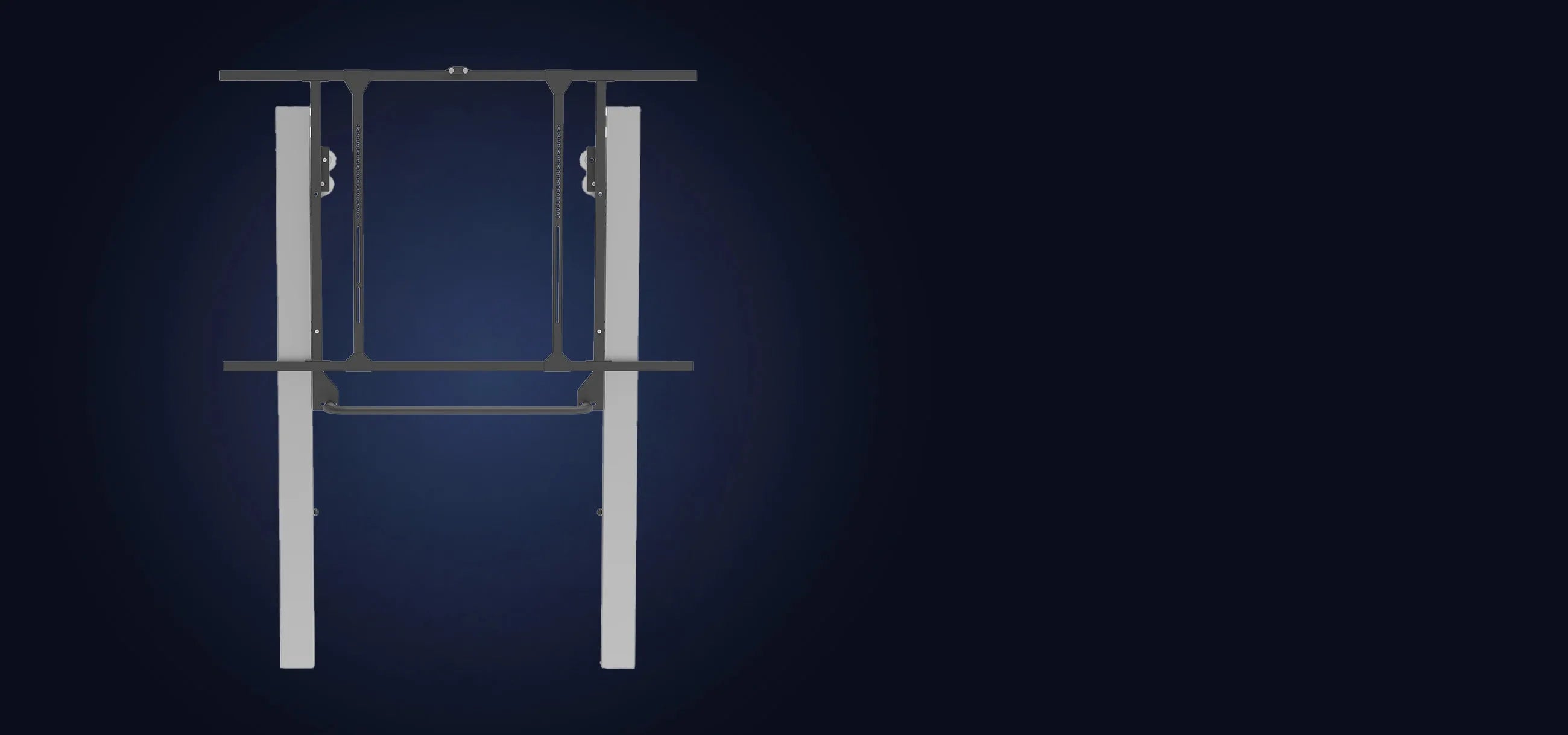
Universal, TÜV-tested (DIN EN 14434) and GS-certified display mount for educational institutions and conference rooms. Compatible with all 75" displays, max. load capacity 120 kg. The patented weight basket system allows tool-free counterweight adjustment – future-proof even when changing hardware. Height-adjustable from approx. 1,200 to 1,920 mm, with integrated cable management. Optionally expandable with wings and accessories, also available for 86".
To the product
celexon Expert manual 2-column pylon board Adjust
Manually height-adjustable whiteboard system for educational institutions, TÜV-tested to DIN EN 14434 and GS-certified. Compatible with interactive projectors, incl. projector mount with integrated cable management. The matt-white surface is magnetic, writable and wipeable. Active projection surface: 192 x 120 cm, total surface: 300 x 130 cm – plenty of space for handwritten notes alongside the projected image.
To the product
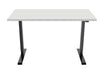
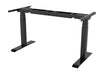
celexon Expert manual 2-column pylon system Adjust-6586W
The celexon Expert 2-column pylon system Adjust-6586W is a flexible and secure solution for integrating modern touch displays (65"–86") into learning and working environments. Thanks to manual height adjustment with a counterweight system, the display can be adjusted independently of power and ergonomically. The stable steel construction (up to 100 kg load capacity) with a large VESA range (up to 1200 x 600) enables the use of a wide variety of displays. Integrated cable management and mounting options for accessories such as mini PCs or cameras ensure a neat and functional installation. The TÜV GS-certified system meets high safety standards (DIN EN 14434) and is ideally suited for schools and conference rooms. The simple installation via quick-release clamping system rounds off the user-friendly overall package.
To the product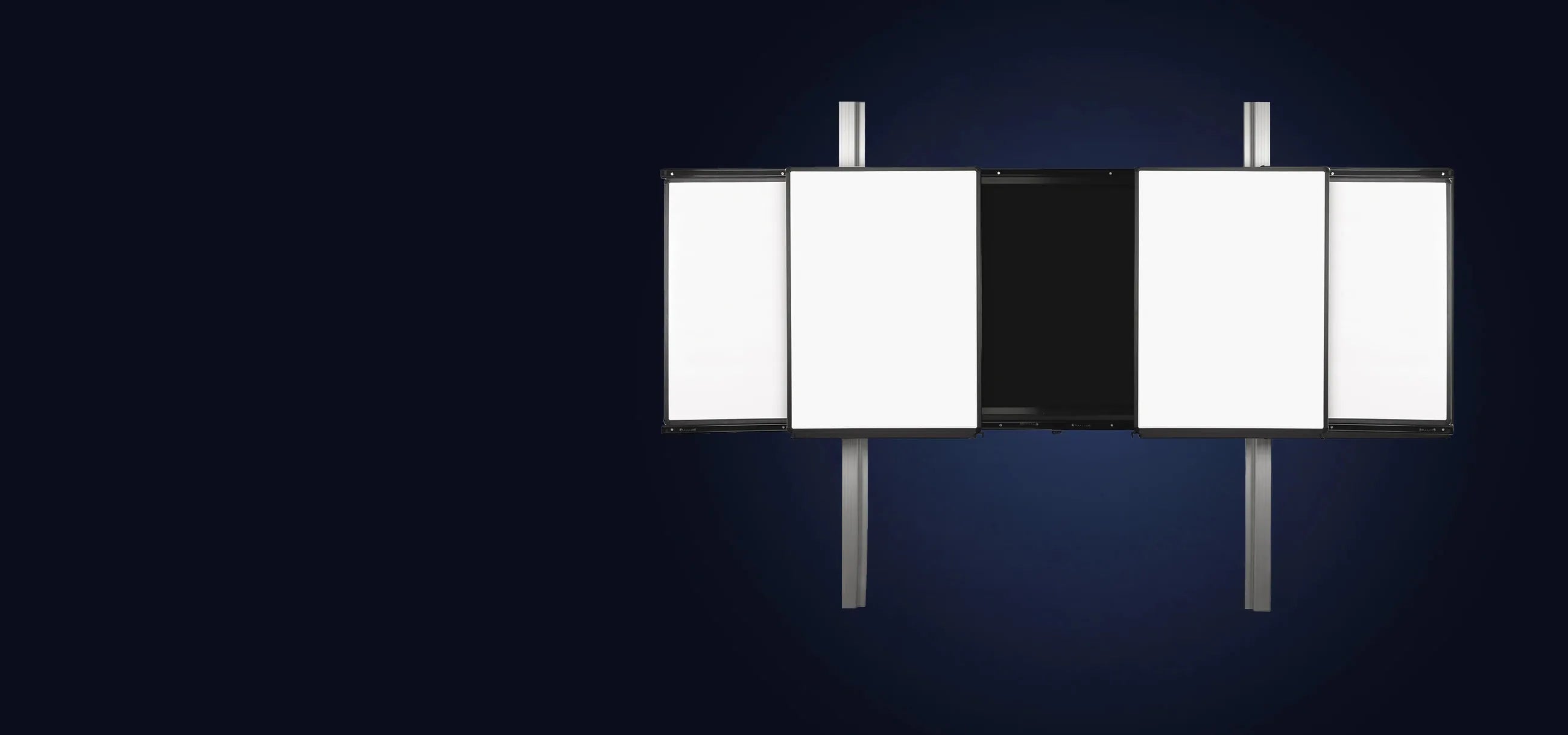
celexon Expert electric 2-column pylon system Adjust-6586W SmartSlide
Electrically height-adjustable display board system with two fixed and two sliding whiteboard wings. Compatible with all touch displays from 65"–86" (passe-partout design), max. load capacity 220 kg, VESA up to 800 x 600 mm. The powerful motor (1,500 N) adjusts the height at the touch of a button with a memory function and anti-collision protection. The whiteboard wings are magnetic, writable and wipeable. Pylon height: 260 cm (290 cm optional). Please specify display model when ordering.
To the product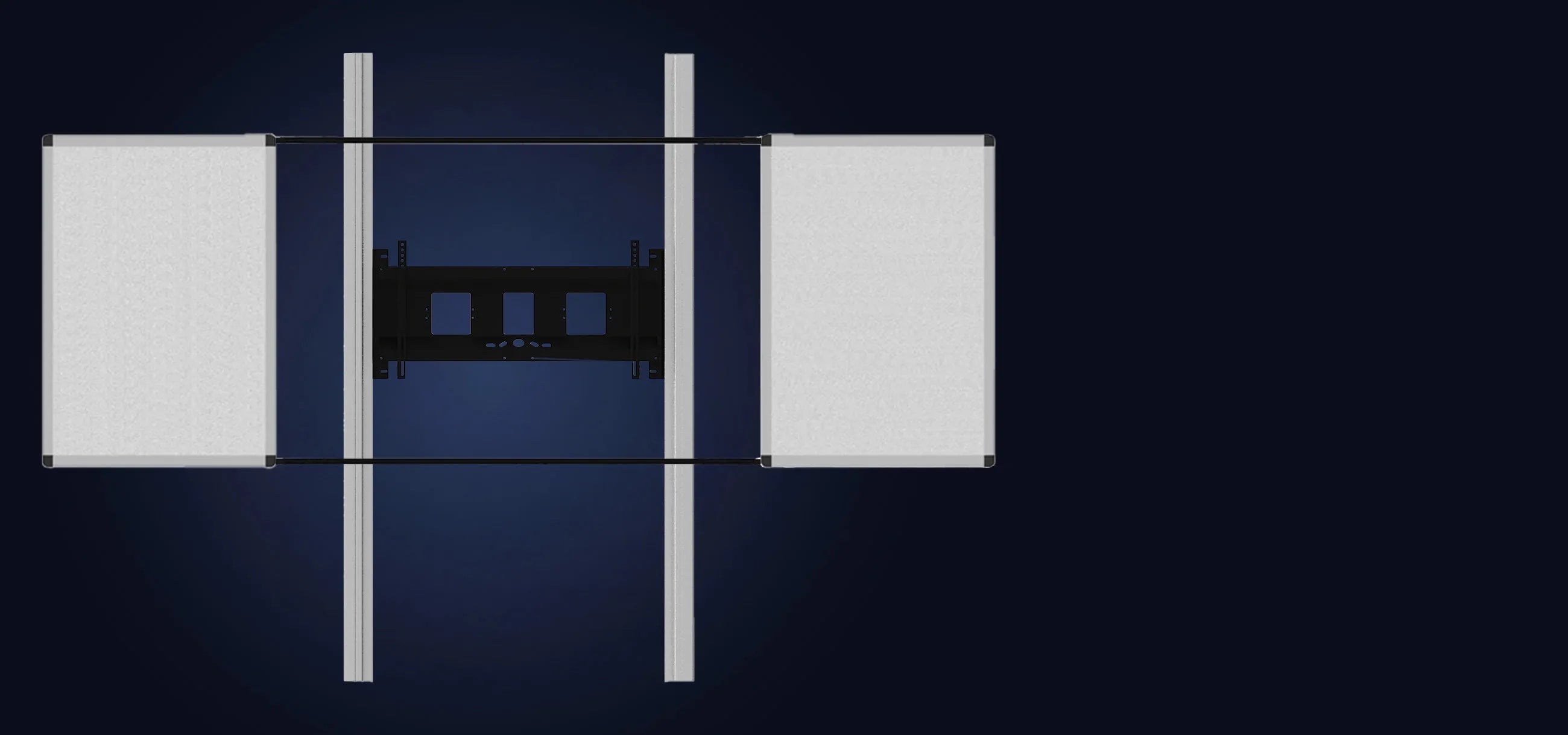
celexon Expert manual 2-column pylon system Adjust-6586W for displays with wings
Manually height-adjustable display system with two foldable whiteboard wings, compatible with all touch displays from 65"–86", certified to DIN EN 14434. Max. VESA 1200 x 600 mm, min. 700 mm height adjustment, pylon height 260 cm (290 cm optional). Quick-release clamping system for easy installation, integrated cable management. The whiteboard wings are magnetic, writable and wipeable – optionally available with green chalkboard coating or ruling. Please specify display model when ordering.
To the product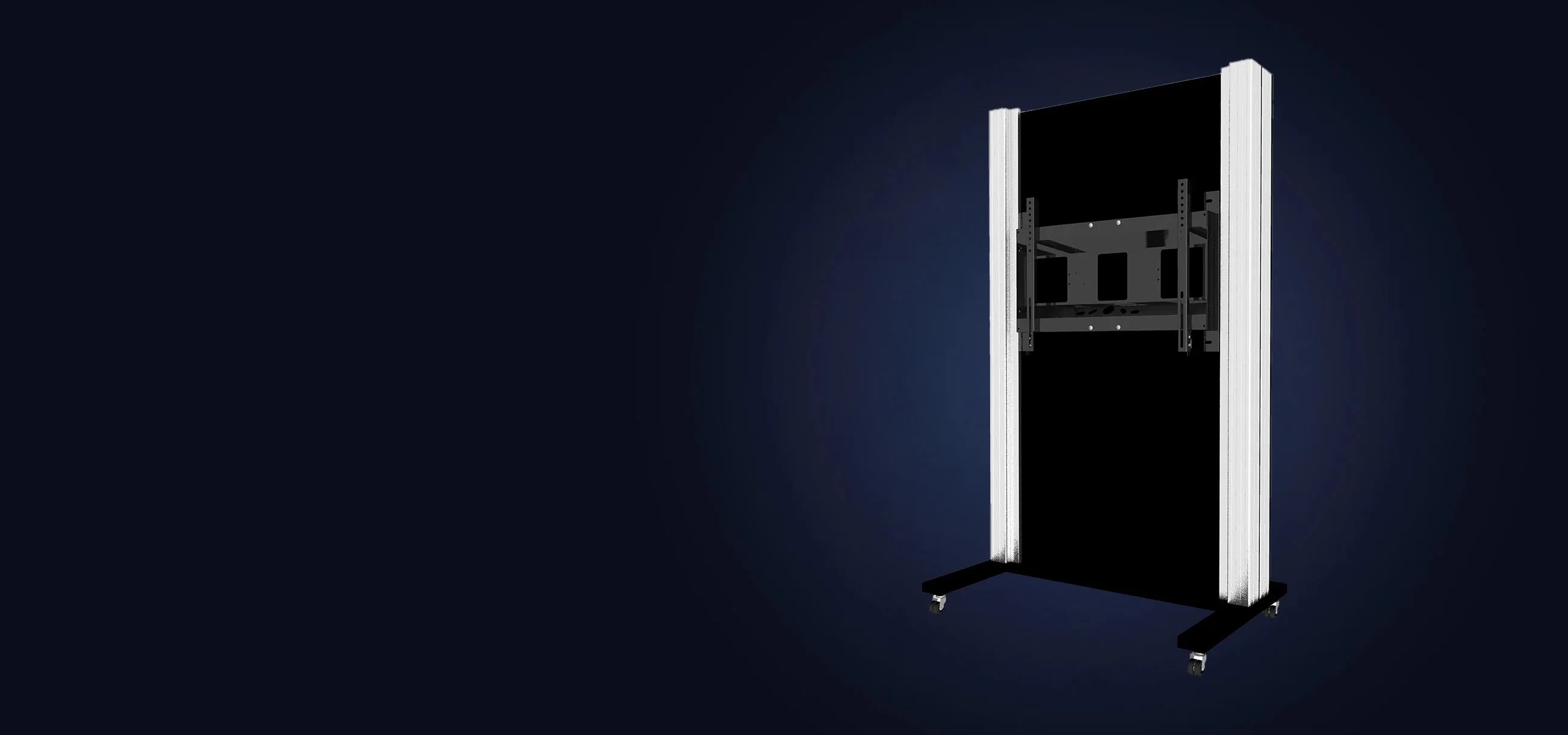
celexon Expert manual mobile 2-column pylon system Adjust-6586M
Manually height-adjustable, mobile display system on an H-frame with four heavy-duty castors (two lockable), compatible with all touch displays from 65"–86", certified to DIN EN 14434. Max. load capacity 150 kg, VESA up to 800 x 600 mm, min. 900 mm height adjustment, pylon length 180 cm. Quick-release clamping system, integrated cable management, self-sufficient and maintenance-free. Optionally expandable with whiteboard wings.
To the product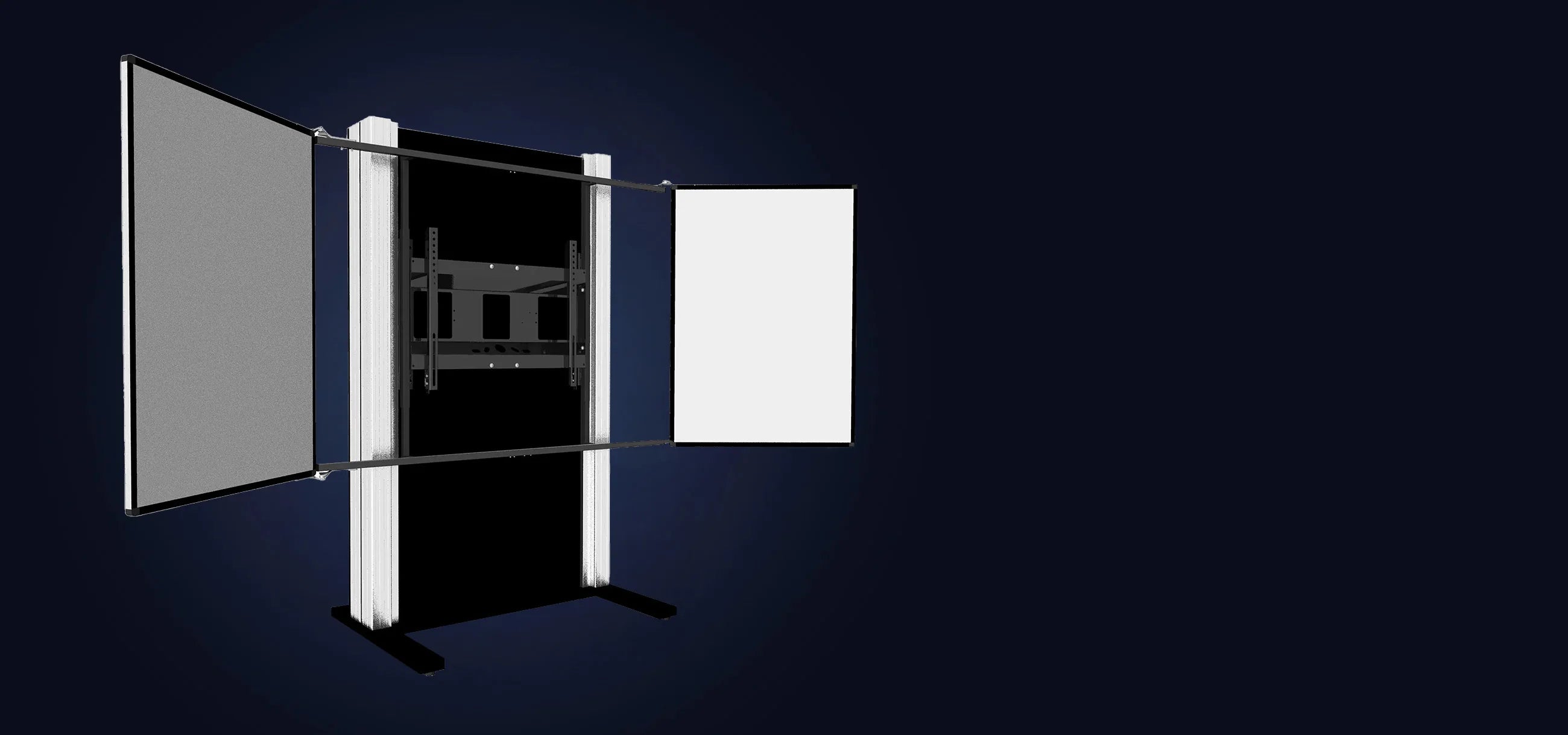
celexon Expert manual 2-column pylon system Adjust-6586P
Manually height-adjustable, freestanding display system on an H-frame with two foldable whiteboard wings, compatible with all touch displays from 65"–86", certified to DIN EN 14434. Max. load capacity 100 kg, VESA up to 800 x 600 mm, min. 800 mm height adjustment, pylon length 180 cm. Quick-release clamping system, integrated cable management, self-sufficient and maintenance-free. Wings are magnetic, writable and wipeable – optionally available with green chalkboard coating or ruling. Please specify display model when ordering.
To the productFrequently Asked Questions:
Can I continue to use my existing display?
Generally yes – provided that the display size and VESA measurement are compatible with the mount. Please check the data sheet for your display.
Can I expand or convert the system at a later date?
The systems cannot be subsequently converted from manual to electric. The decision should be made at the time of purchase – electric models are designed accordingly from the outset.
How do I determine my VESA measurement myself?
The VESA measurement can easily be determined with a tape measure. Look at the back of the display and measure the horizontal distance between the two left and right mounting holes and the vertical distance between the upper and lower holes – from centre to centre in each case. The result is given as width × height in millimetres, for example 400×400 mm. Alternatively, the VESA measurement can usually also be found in the display's manual or in the technical specifications on the manufacturer's website.
What happens if my display breaks down one day – do I have to replace the entire system?
No, the entire system does not need to be replaced. The celexon pylon system and the display are two independent components. Should your display ever be defective or you wish to upgrade to a newer model, simply replace the display – the pylon system remains fully intact and can continue to be used immediately.
How does the counterweight system work?
A counterweight system works on the same principle as an elevator: weight baskets in the pylons precisely balance the weight of the mounted display. The result is a height adjustment that can be operated steplessly with minimal effort – entirely without a power connection, entirely without a motor.
This makes counterweight systems particularly attractive for schools and educational institutions, where the height needs to be adjusted daily for different users. Teachers and students can easily bring the display to the right position – quickly, safely and quietly. If the display is replaced with a heavier or lighter model, the weight baskets can simply be readjusted. This means you are investing in a future-proof solution that flexibly adapts to changing requirements – without complex reinstallation or additional costs.
Do you have any further questions?
If you have any questions about us or our products, our experts will be happy to help.
Contact us!